Download and installation of Bold Reports® Source Code Add-On
This section briefly describes the steps involved in the download and installation of the Bold Reports® Source Code Add-On setup. Before installing the Bold Reports® Source Code Add-On, make sure that your machine meets the requirements.
Register and Download
-
Go to the Bold Reports® Home page to login.

-
Sign up to create a new account creation or sign in with an existing account.
-
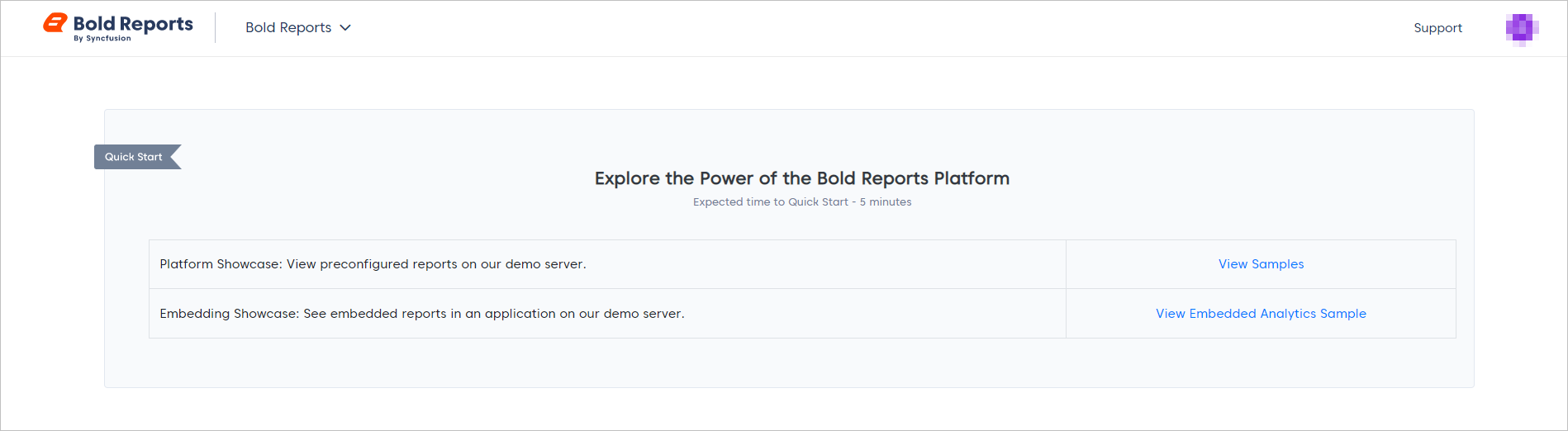
You will be redirected to your downloads page.
-
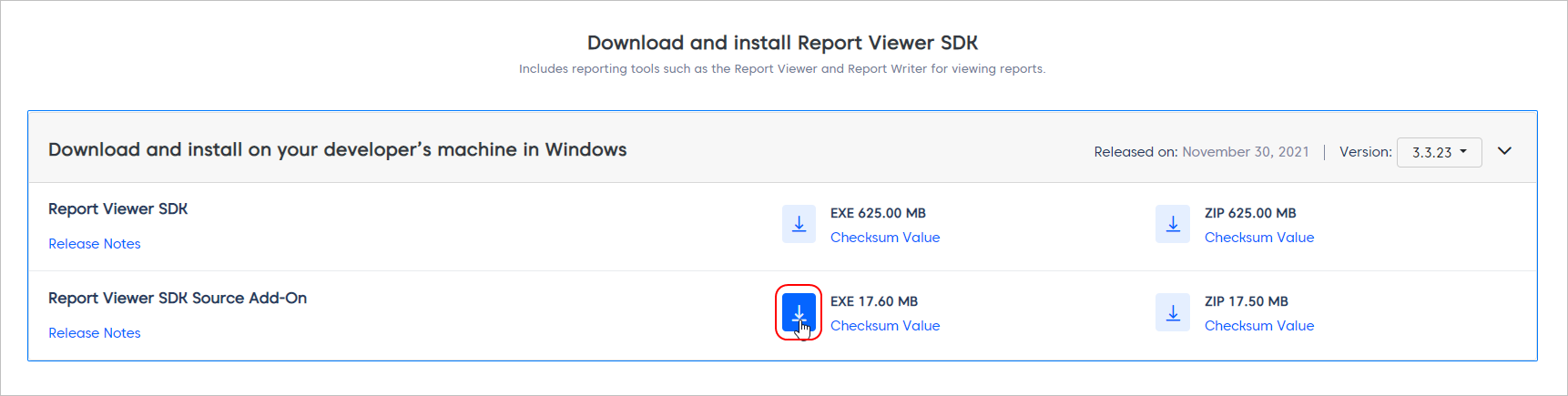
By clicking the download button, you can download the Bold Reports® Source Code Add-On exe file.
Step-by-Step Installation
-
Once the setup is downloaded, run the installer from the saved location by clicking the
Runbutton or by double-clicking the EXE file.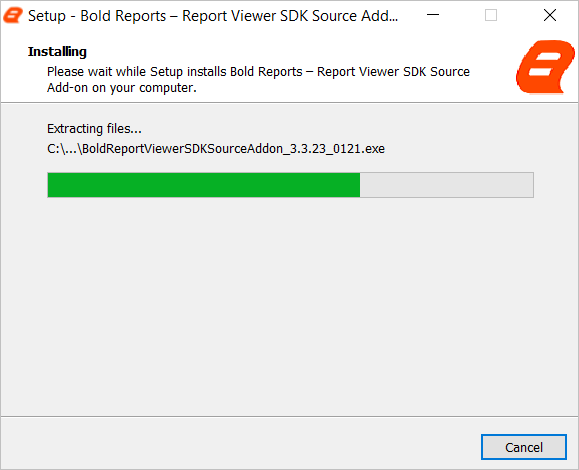
-
Sign-in with your registered e-mail address to unlock the setup.
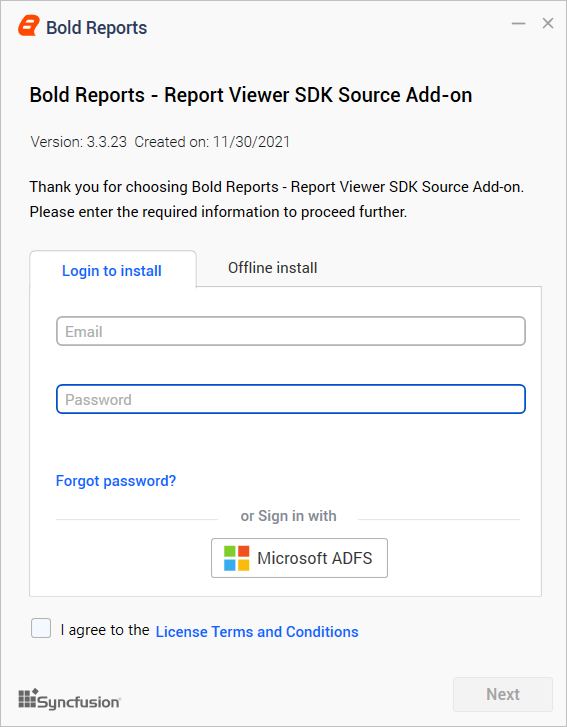
-
Using an offline unlock key, you can also unlock the setup. If you don’t have the unlock key, you can download it by clicking the
hereoption as shown in the below image. It will redirect you to the Bold Reports® website page and then expand the Subscriptions section. Then, clickGet Unlock Key File. A file will be downloaded with the file extension.lic. To unlock the setup, upload the downloaded.licfile. Then, enable the license terms and conditions checkbox and click Next.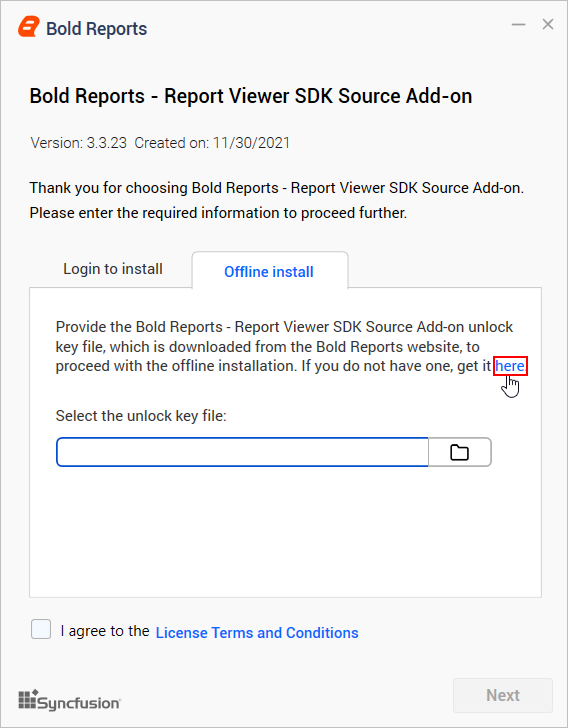
-
Choose the location where you would like to install the Bold Reports® Source Code Add-On setup and samples. If you want to perform additional tasks like desktop shortcut creation, you can check the option. Otherwise, you can uncheck it and click
Install.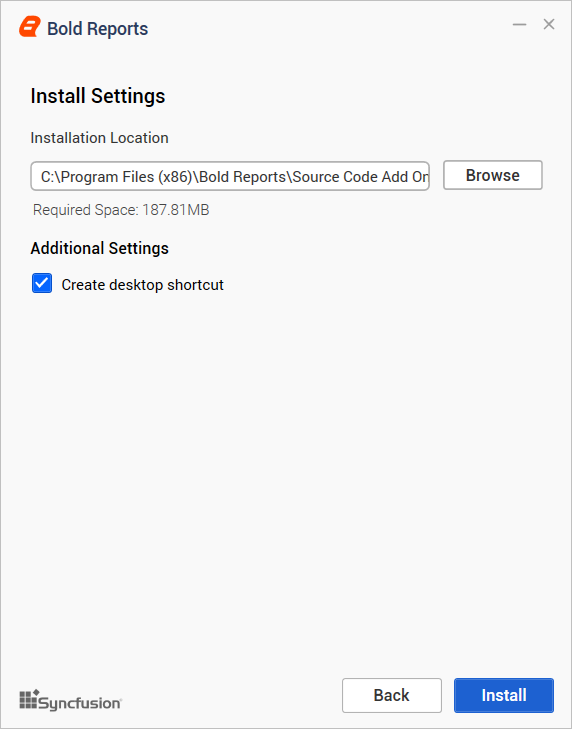
-
Now, the installation begins. You can cancel the installation at anytime by pressing
Cancel, if you prefer.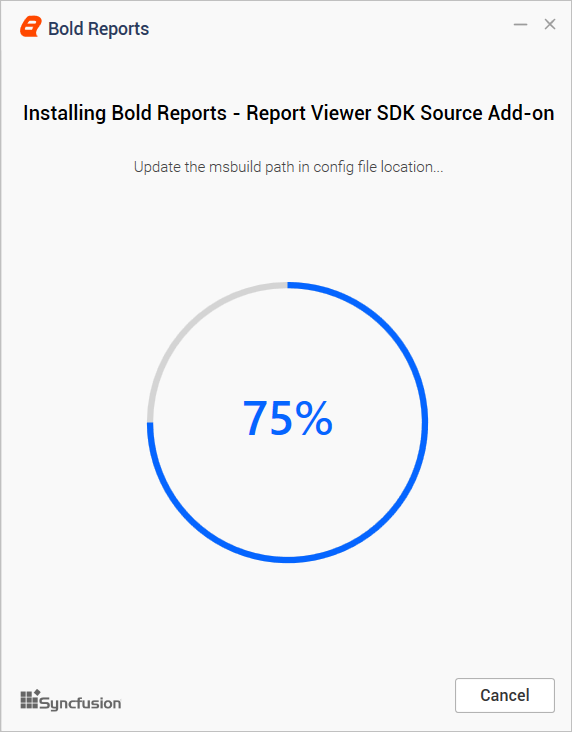
-
On successful installation, the below screen appears. Click the
Explore Sourcebutton to run the Sample Browser or Explore Samples.