Design RDL Report with HTML Content
The HTML report item supports integration of HTML content in the form of plain text, file or as URL link within RDL reports, allowing for dynamic and visually enhanced layouts. This section describes the steps to embed a Health Tracker Dashboard using an HTML URL link.
Add an HTML report item
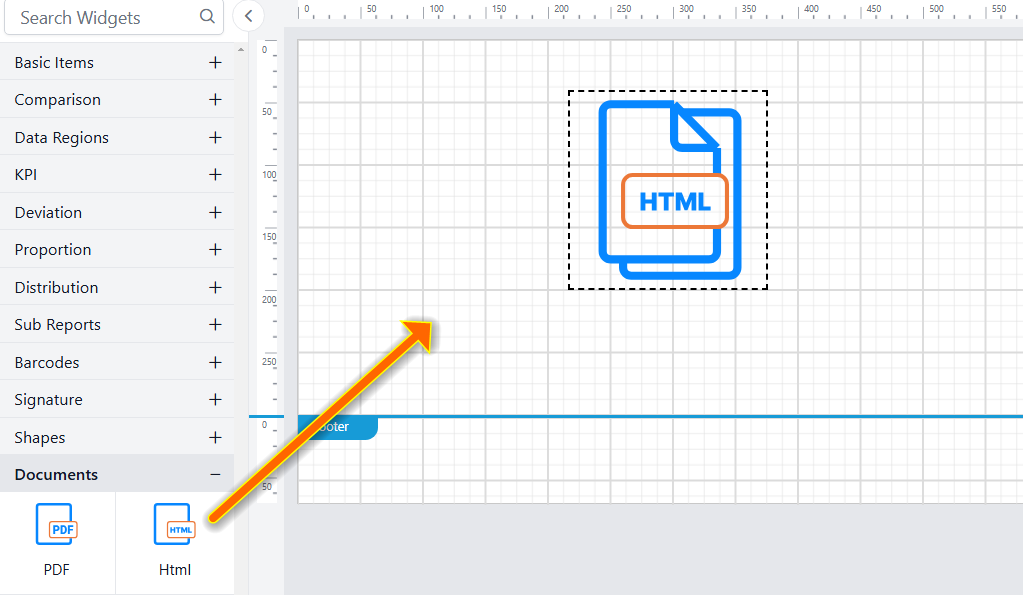
- Drag and drop the HTML report item from the item panel into the design area.
- After placing the HTML item in the design area, its properties will be displayed in the properties panel.
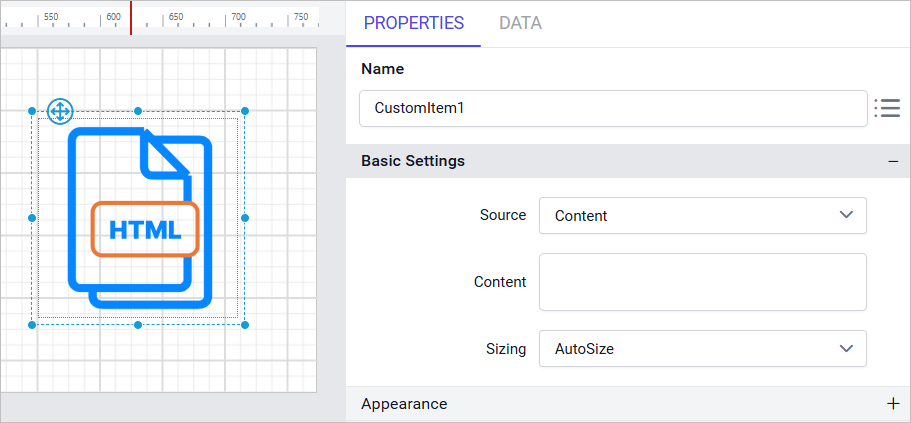
- Select source type as
URLand enter the dashboard showcase URL into the input box.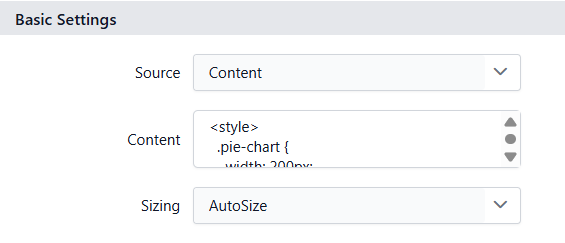 The example above uses the Health Tracker Dashboard sample.
 - Click the
Previewbutton to view the HTML content in the report.
- During the report preview, the
Health Tracker Dashboardis displayed like this: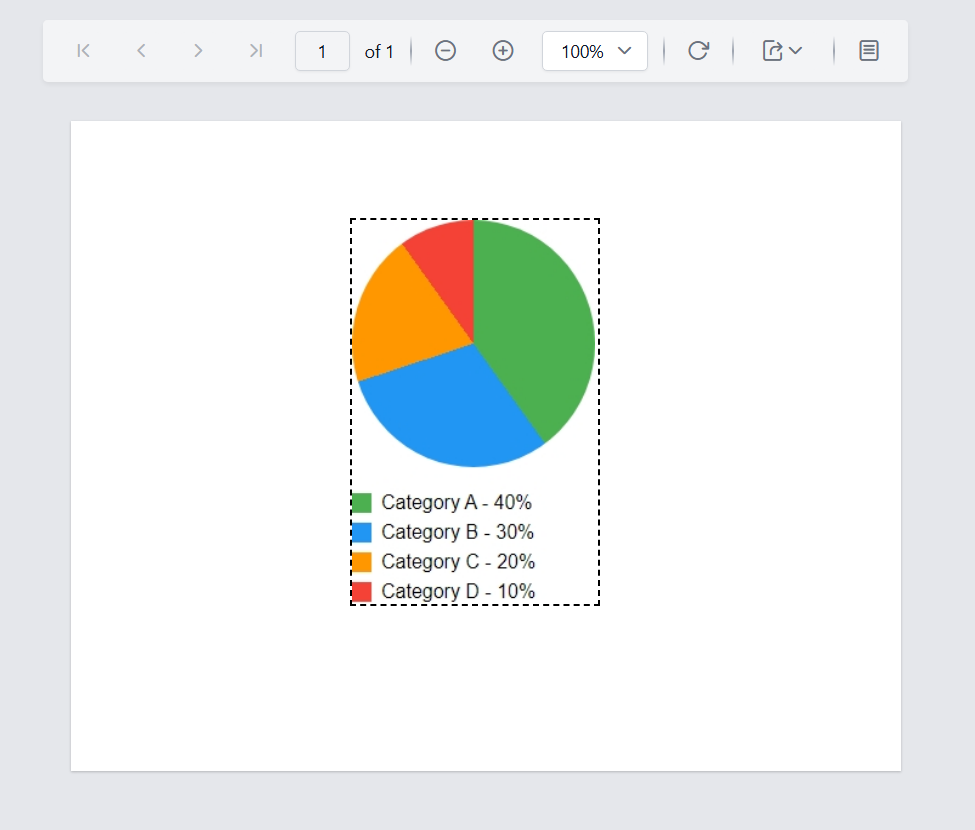
Download the above report design from the link.
Limitations
- HTML report item is currently not supported on
Azure App Service (Windows). - For optimal performance, use the HTML report item outside of the
Tablix report item, as placing it inside can impact report rendering speed. For more information, refer to the Performance Benchmarks