Report Header and Footer
The header and footer can be enabled or disabled based on the report design requirements.
Show or hide report header
By default the report header will be hidden, when you create a new report in Web Report designer. To show or hide the report header, Open the View menu in the toolbar. Now, click on the Header option in the menu.
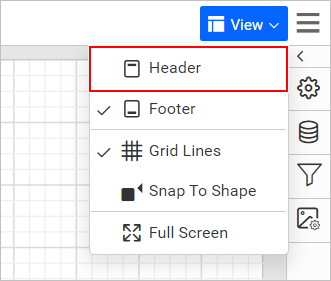
Now, the Header section will be shown in the report.
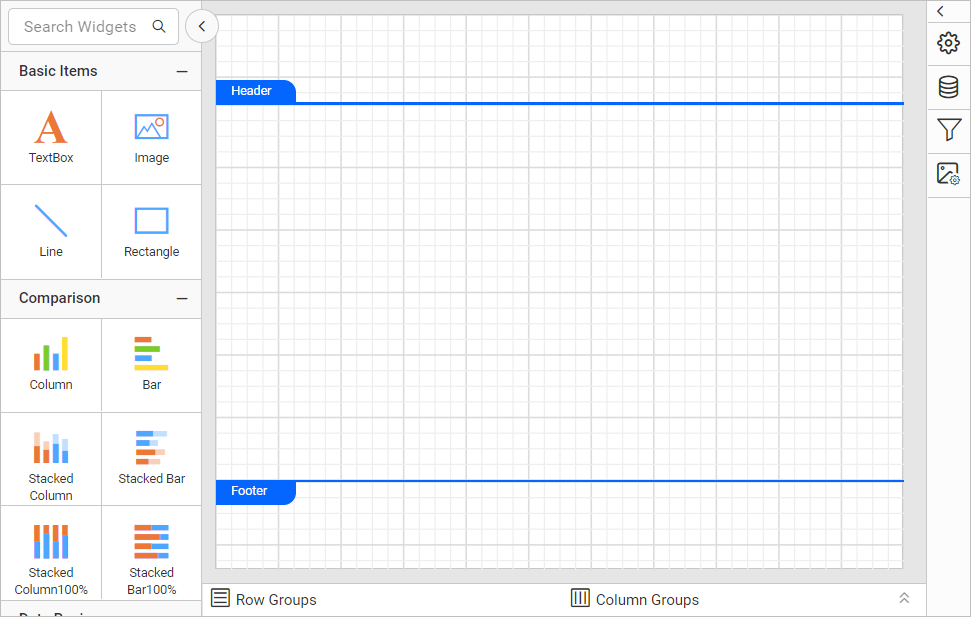
To hide the report header, again click on the Header option in the menu.
Show or hide report footer
By default the report footer will be shown, when you create a new report in Web Report designer. To show or hide the report header, Open the View menu in the toolbar. Now, click on the Footer option in the menu.
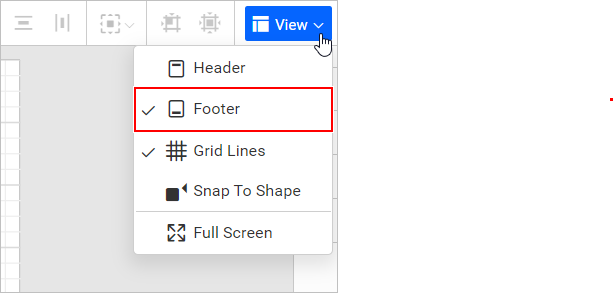
Now, the Footer section will be hidden in the report.
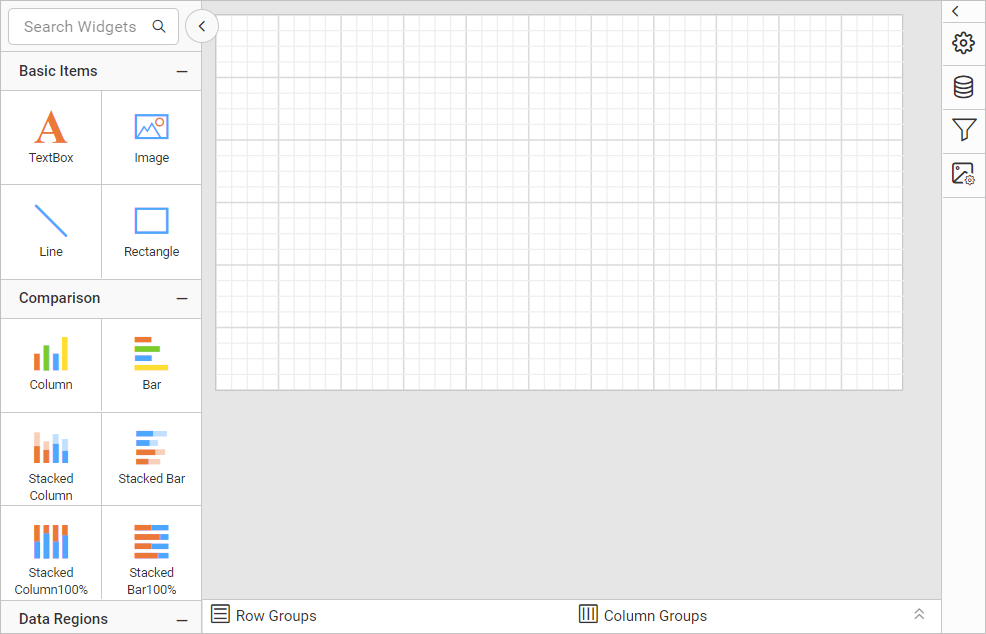
To show the report footer, again click on the Footer option in the menu.