Delete a report parameter
This section describes the steps required to remove a report parameter in Bold Report Designer.
- In the configuration panel, click on the
Parametersicon to open thePARAMETERSpanel. - Hover the cursor on the report parameter which you want to delete from the list of parameters.
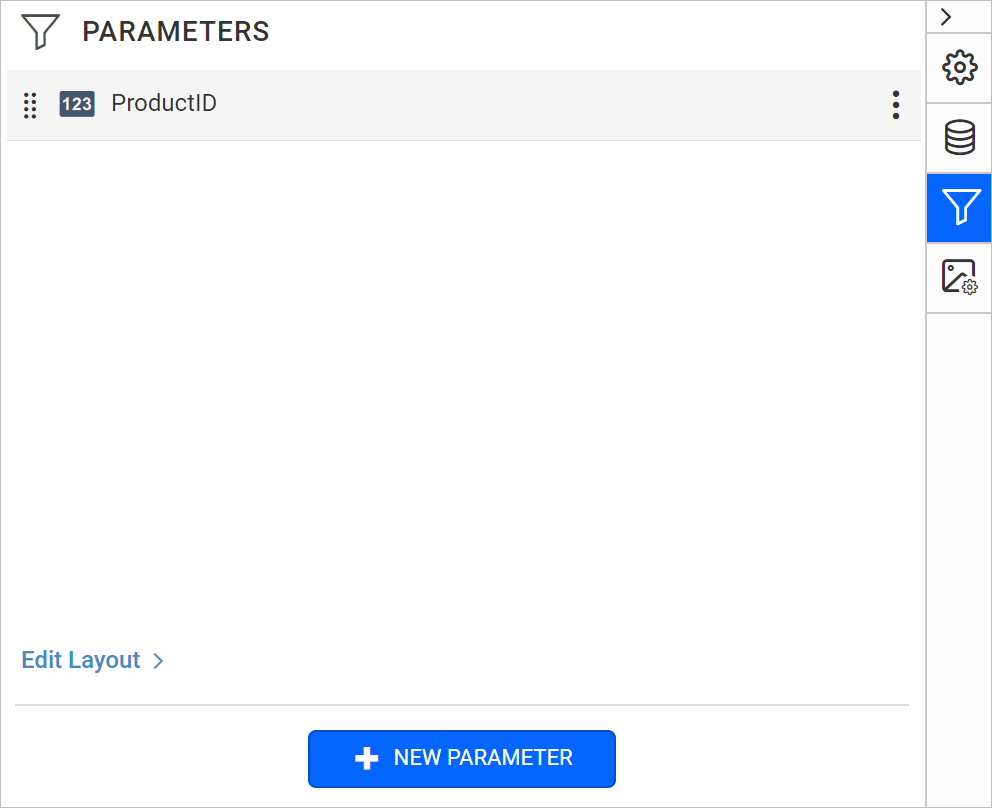
- Click the
menuicon in the right corner, to open the context menu.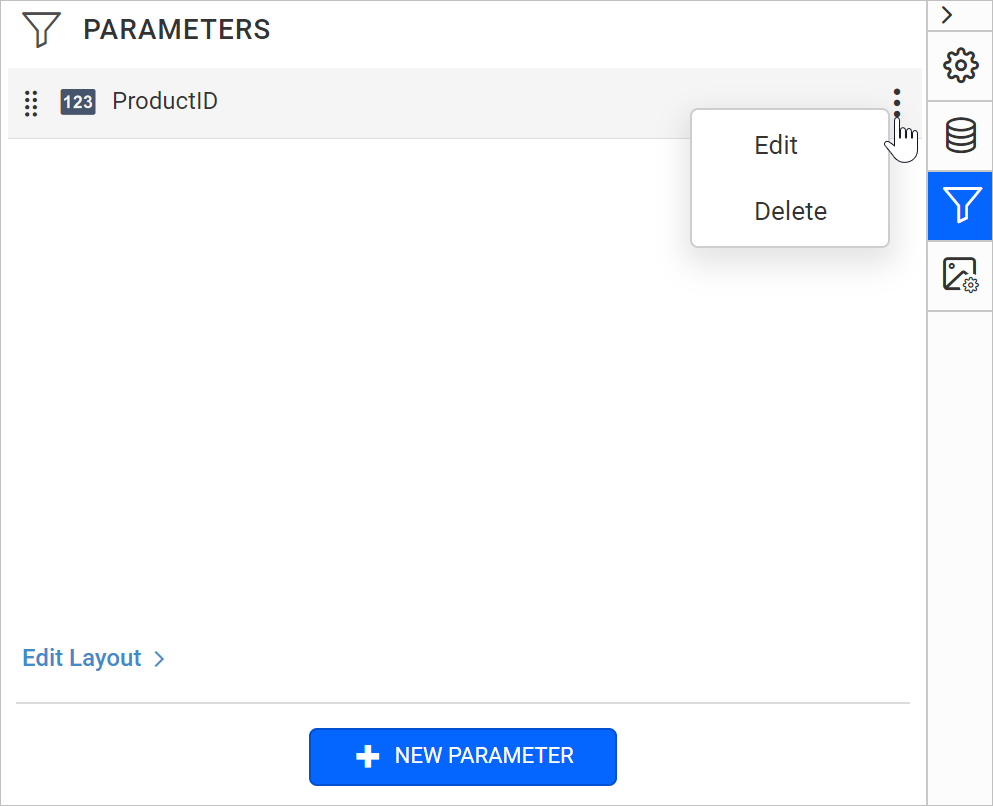
- Choose
Deletefrom the context menu, it will launch the confirmation dialog like below.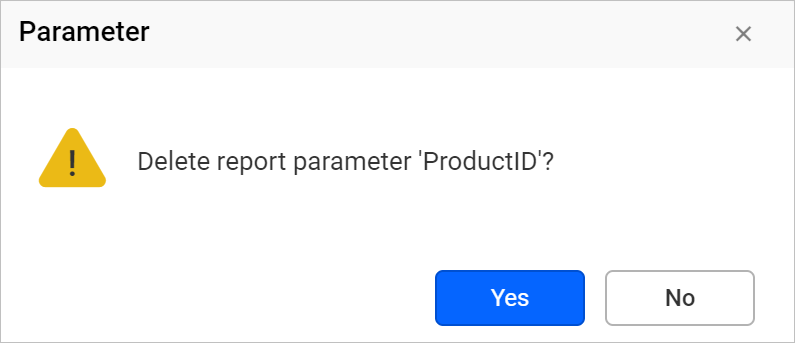
- Click on
Yesbutton, now the report parameter will be removed from the report parameter list.