Delete an embedded image
- To delete an image listed under the
IMAGE MANAGERpane, mouse hover on the image which you want to delete.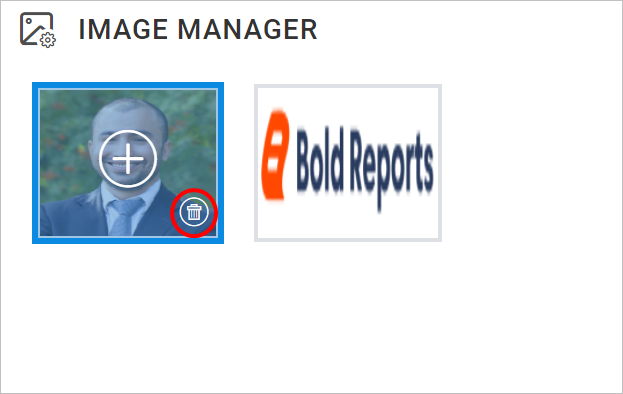
- Click on the above highlighted
Deleteicon, it will launch the confirmation dialog like below.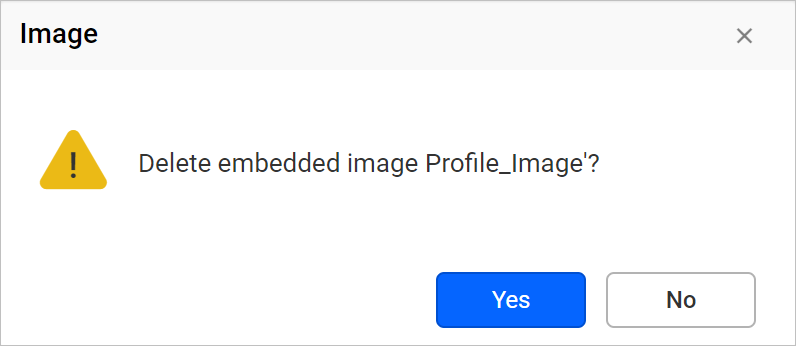
- Click on the
Yesbutton to remove an image from the report.