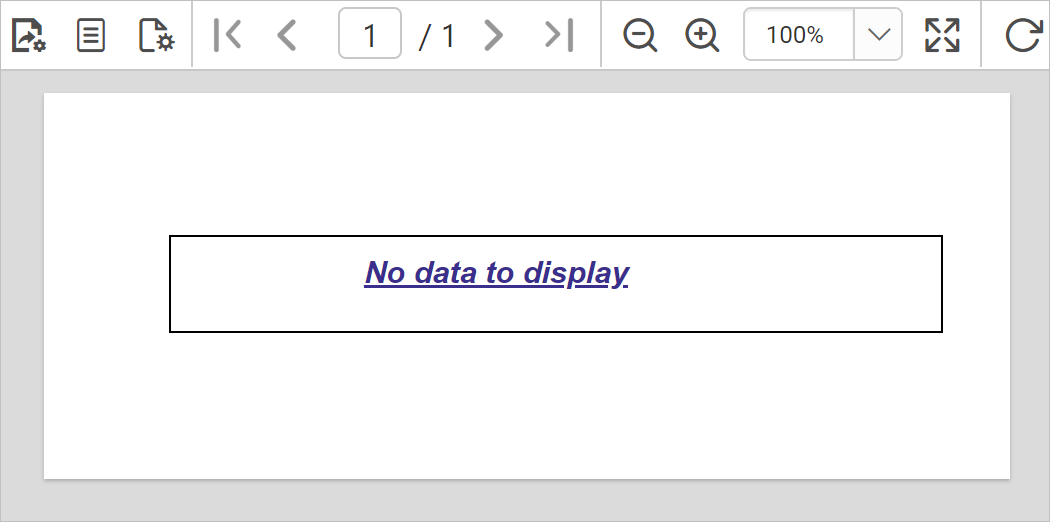
No Rows
No Rows property is used to display static text when dataset results with a empty or zero rows at run time.
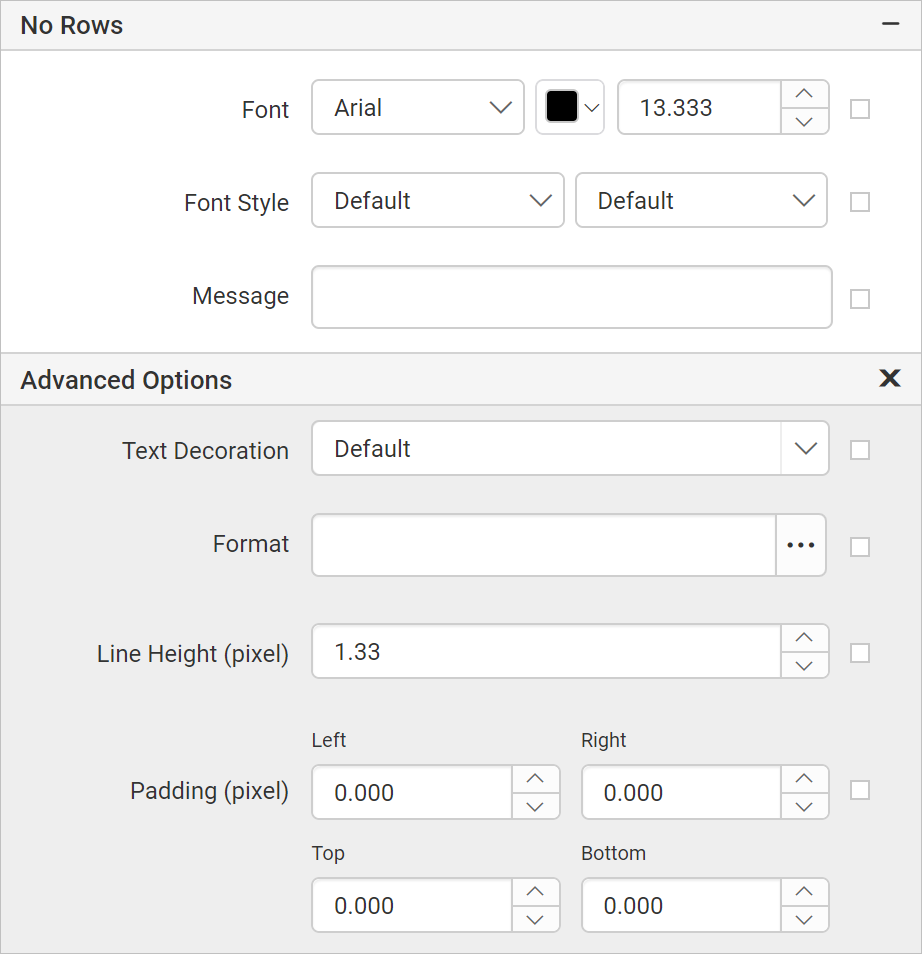
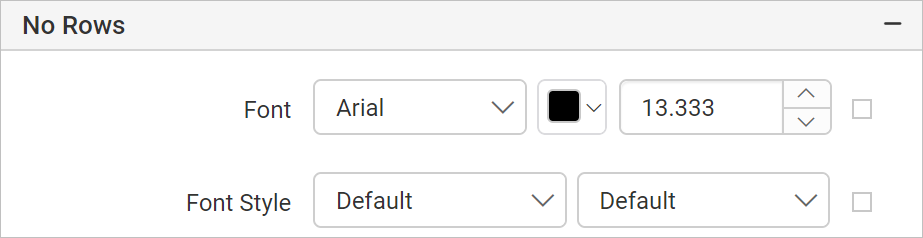
Font
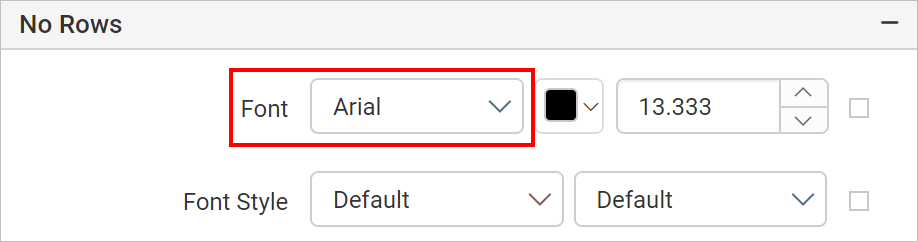
Font Family
Supported font family names are listed in the drop-down list, choose the required font family from the drop-down list to change the Font Family of the no rows message.
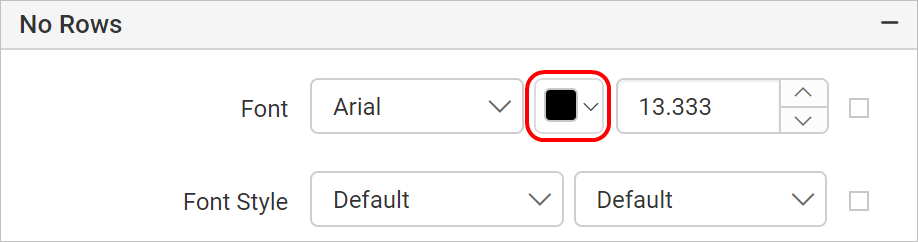
Font Color
To set font color for the no rows message, click on the color palette icon and choose the required color in the Color Palette.
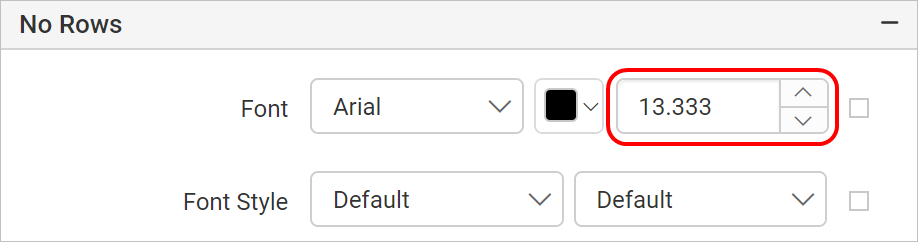
Font Size
Font size property allows you to increase the size of the text in the no rows message. You can increase the font size using the numeric drop-down highlighted in below snap.
Font Styles
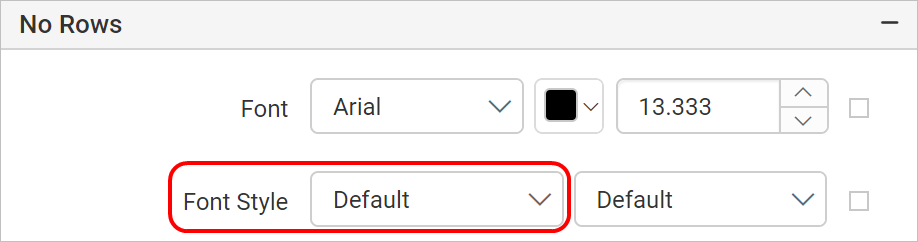
To change font style of the no rows message, choose the required font style in the Font Style drop-down list. Following are the supported font styles:
- Default
- Normal
- Italic
Font Weight
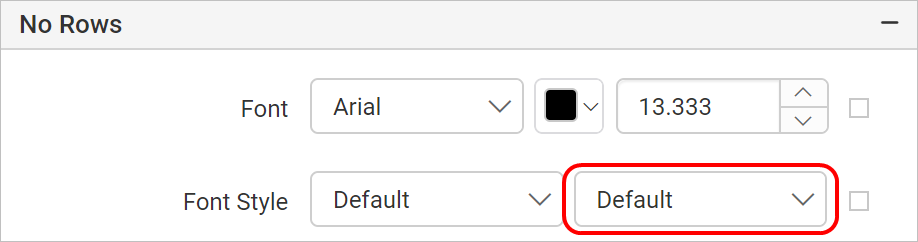
To change the font weight of the no rows message, choose the required type of font weight property from the drop-down list.
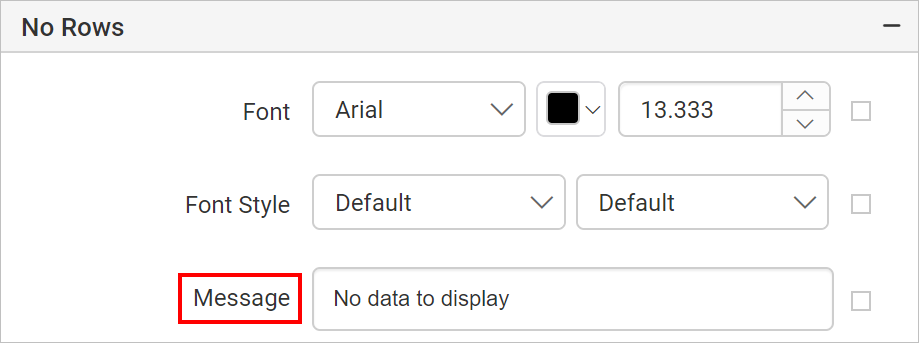
Message
Provide the required text in the message textbox, the given message will be displayed to the user when dataset results with empty or zero rows.
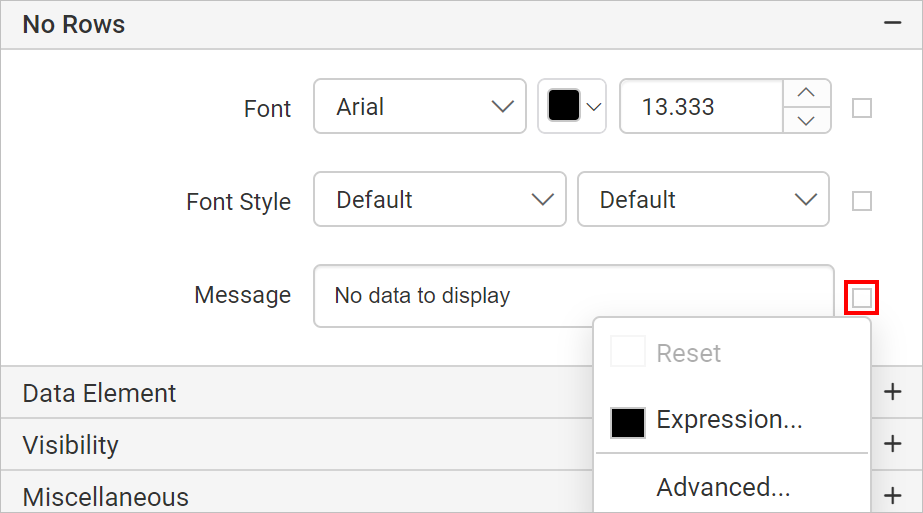
To customize the message appearance, open the Advanced Panel.
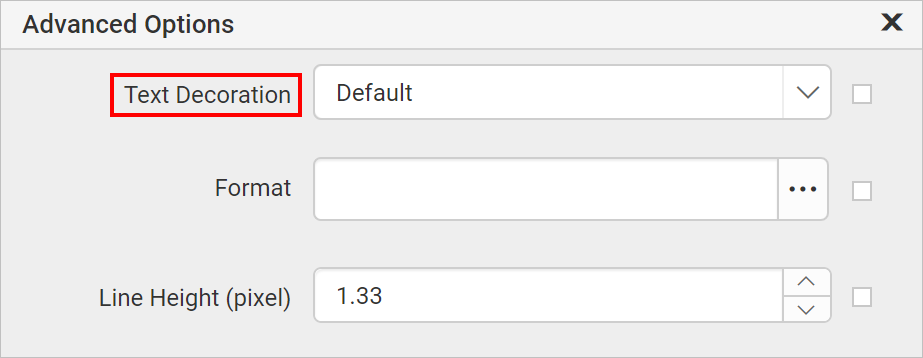
Text Decoration
Text decoration property sets the appearance of decorative lines on text.
- None - Produces no text decoration.
- Underline - Each line of text is underlined.
- Overline - Each line of text has a line above it.
- Line-through - Each line of text has a line through the middle.
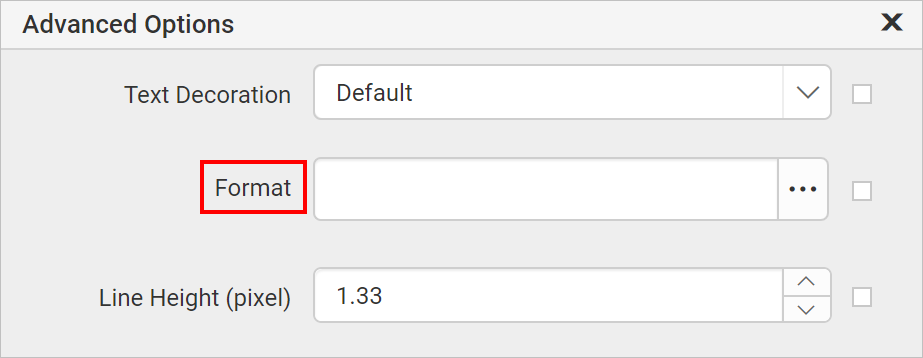
Format
Format property is used to format the given text in the no rows message. Refer Format section to represent the text in Numbers, Currency, Date, Time, Scientific, Percentage and Custom formats.
Line height
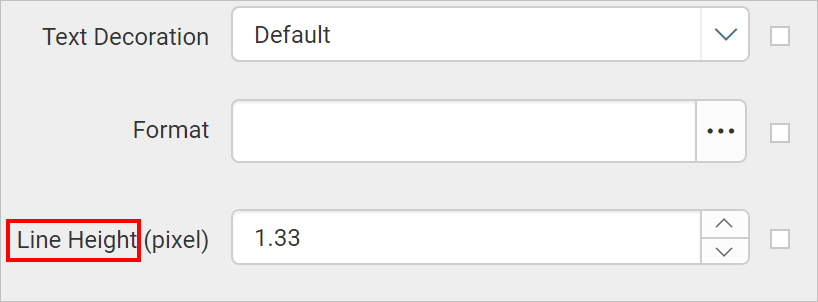
Line height property is used to increase space between lines in given message. Increase or decrease the values in numeric dropdown to set the line height for no rows message.
Padding
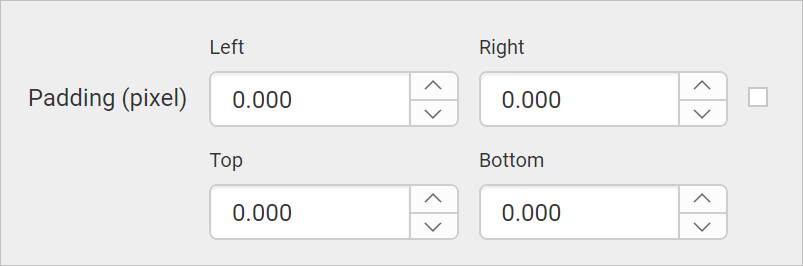
Padding property is used to provide space around the no rows message content. Increase or decrease the values in numeric dropdown to set the left, right, top and bottom padding to the no rows message.
Text Align
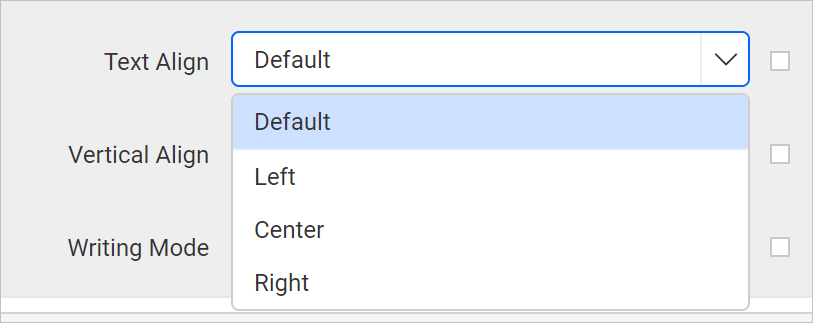
The Text align property is used to set the horizontal alignment of a no rows message. The text can be aligned in left, right, or center position. Choose the required text align property from the drop-down list as shown below.
Vertical Align
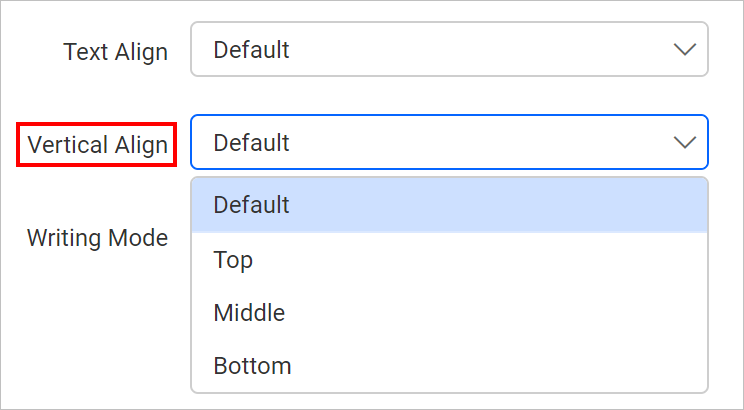
The Vertical Align property is used to set the vertical alignment of a no rows message. Choose the required vertical align property from the drop-down list as shown below.
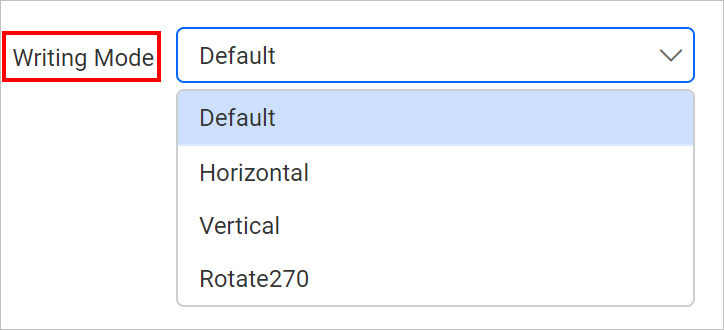
Writing Mode
Writing mode property represent the direction of the no rows message along Horizontal, Vertical, and Rotate270. Choose the required writing mode property from the drop-down.
Horizontal: Text will be horizontal, read left to right.
Vertical: Text will be vertical, read top to bottom.
Rotate 270: Text will be vertical, read bottom to top.
All the customizations will be applied to the no rows message container while previewing the report.