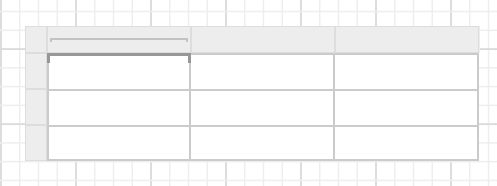
Insert or Delete a Column
You can insert or delete columns in the tablix to organize data in your report in a better way.
Insert a column
You can add a column in two ways:
By selecting respective column,
- Right-click on a column gripper where you want to insert a column.
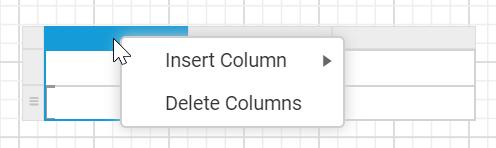
- Click on
Insert Columnand then clickLeftorRight.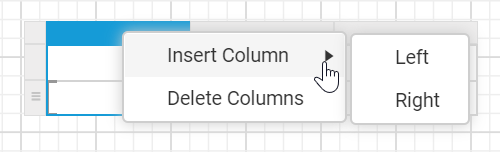
By selecting a respective cell,
- Right-click a cell in the tablix where you want to insert a column.
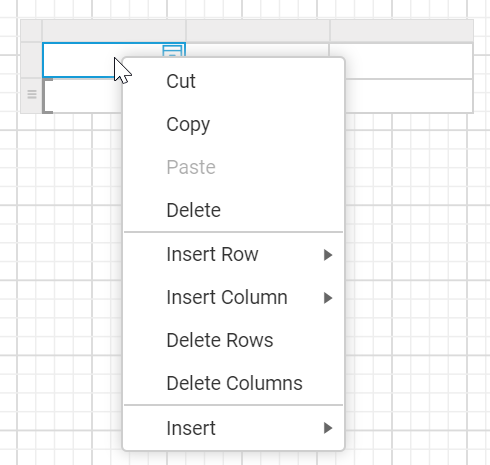
- Click on
Insert Columnand then clickLeftorRight.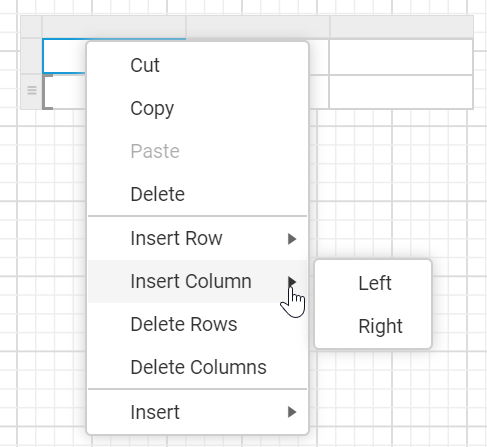
Now, a new column will be added to the left or right of the target column.

Insert a column in a group
You can add a column in a group in two ways:
By selecting respective row,
- Right-click on a column group gripper where you want to insert a column.
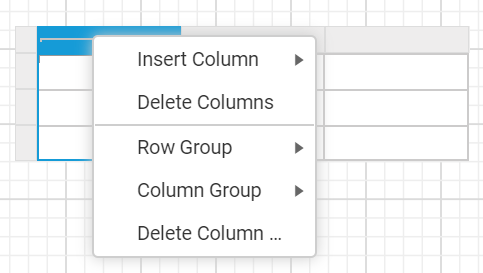
- Click on
Insert Column.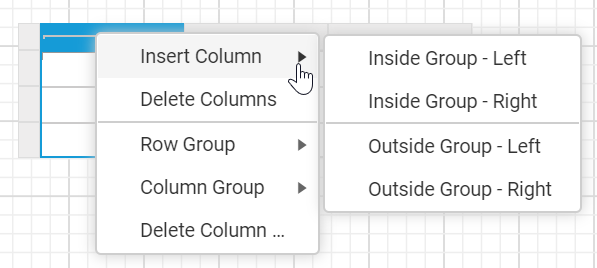
By selecting a respective cell,
- Right-click a column group cell in the tablix where you want to insert a column.
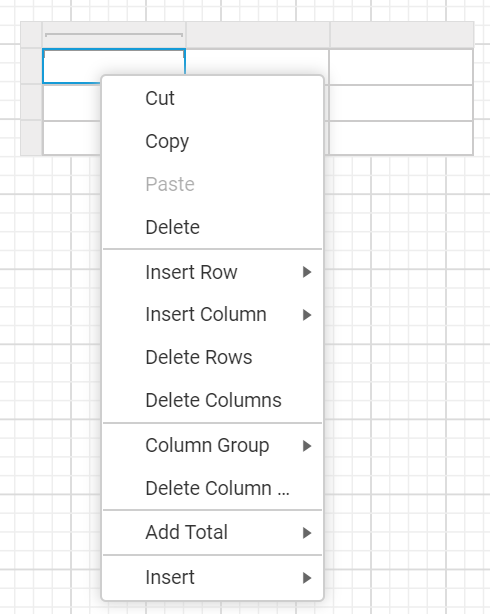
- Click on
Insert Column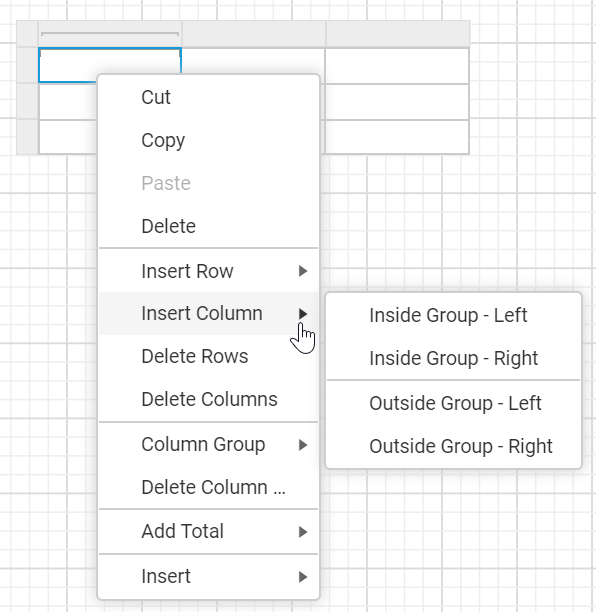
The following options will be listed in the Insert Column menu.
- Inside Group - Left - A new column is added inside the target group but in the left position. In the below snap, the
Grouping Indicatordenotes that the column is added inside the group.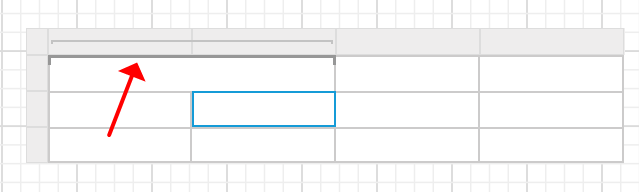
- Inside Group - Right - A new column is added inside the target group but in the right position. In the below snap, the
Grouping Indicatordenotes that the column is added inside the group.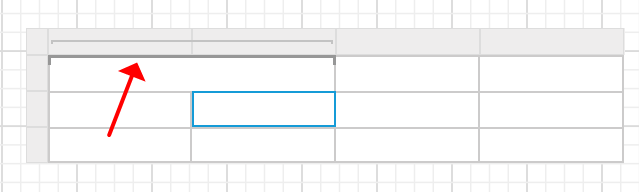
- Outside Group - Left - A new column is added outside of the target group but in the left position. In the below snap, notice that the
Grouping Indicatoris shown only for the target group.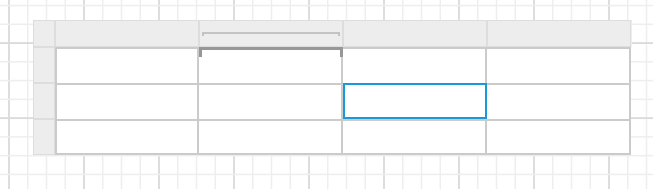
- Outside Group - Right - A new column is added outside of the target group but in the right position. In the below snap, notice that the
Grouping Indicatoris shown only for the target group.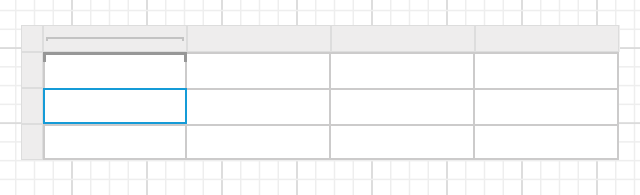
Delete a column
You can delete a column in two ways:
By selecting respective column,
- Select a column that you want to delete.
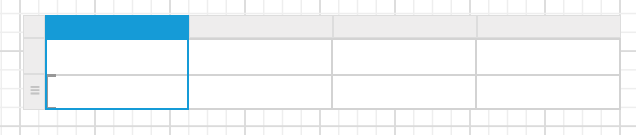
- Right-click on the column gripper of the respective column.
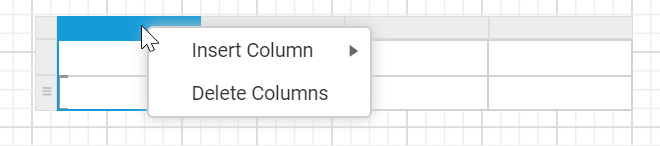
- Then click on the
Delete Columnsin the context menu.
By selecting a respective cell,
- Right-click a cell in the tablix where you want to delete a column.
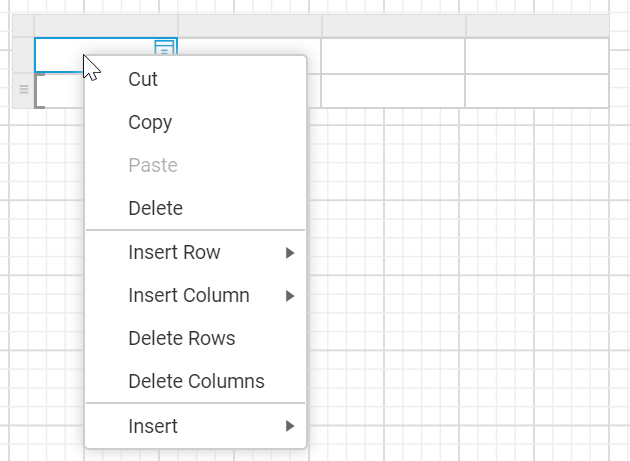
- Then click on the
Delete Columnsin the context menu.
Now, a selected column will be deleted from the tablix.
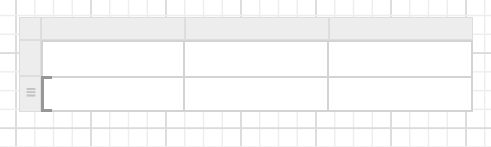
Delete a column from a group
- Right-click a column group cell in the column group of a tablix.
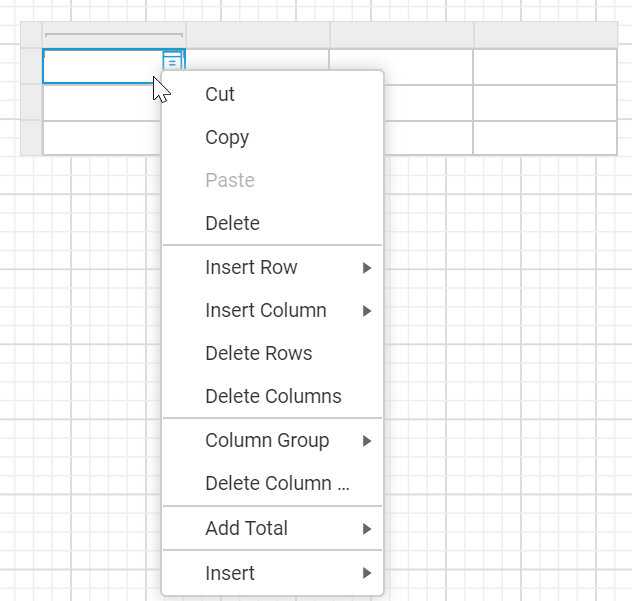
- Then click
Delete Columns.
Now, a selected column will be deleted from the tablix.