Layout Ordering
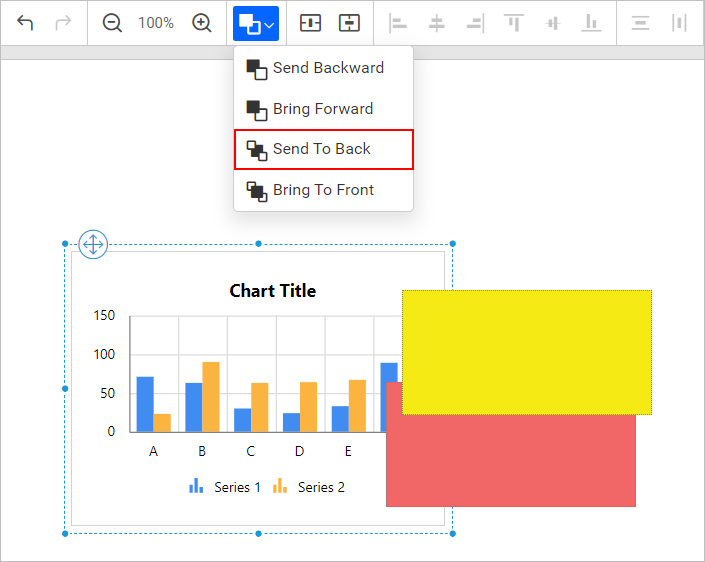
Ordering option is used to change the layout order of report items in design area surface and it’s also known as z-order. It contains the following ordering modes.
- Send Backward
- Bring Forward
- Send To Back
- Bring To Front
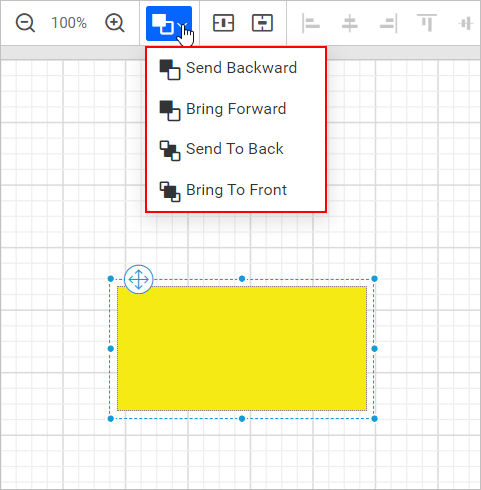
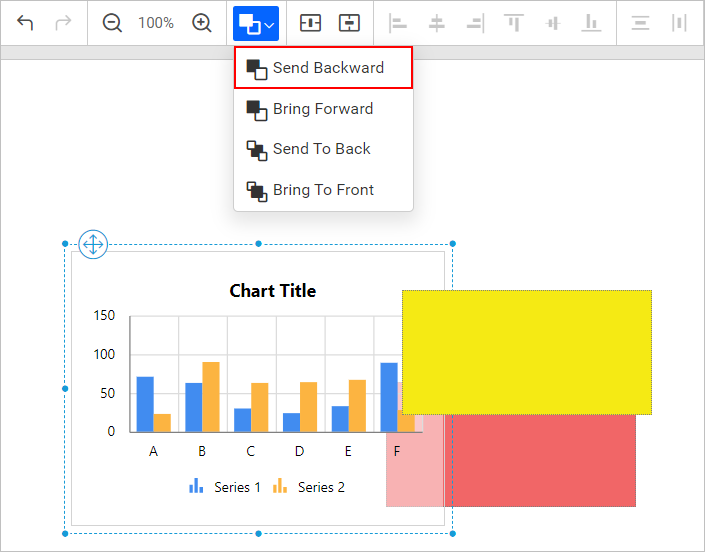
Send Backward
Visually move the selected object behind its closest intersected object in the designer surface
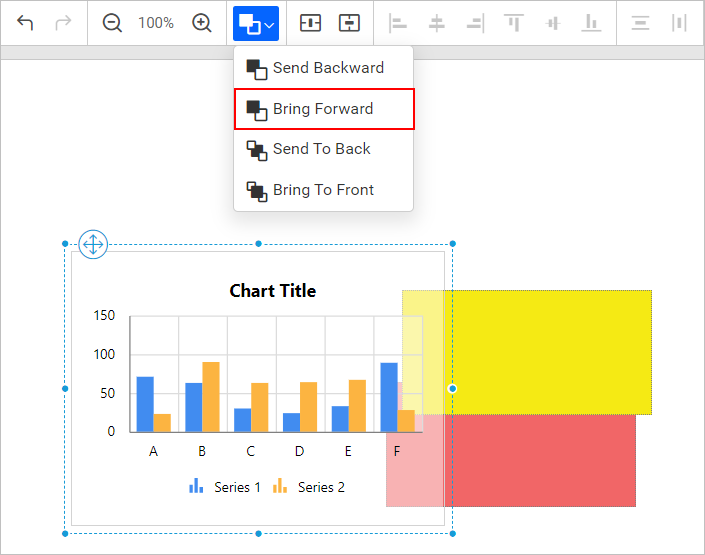
Bring Forward
Visually move the selected object over its closest intersected object in the designer surface
Send To Back
Visually move the selected object behind all other intersected objects in the designer surface
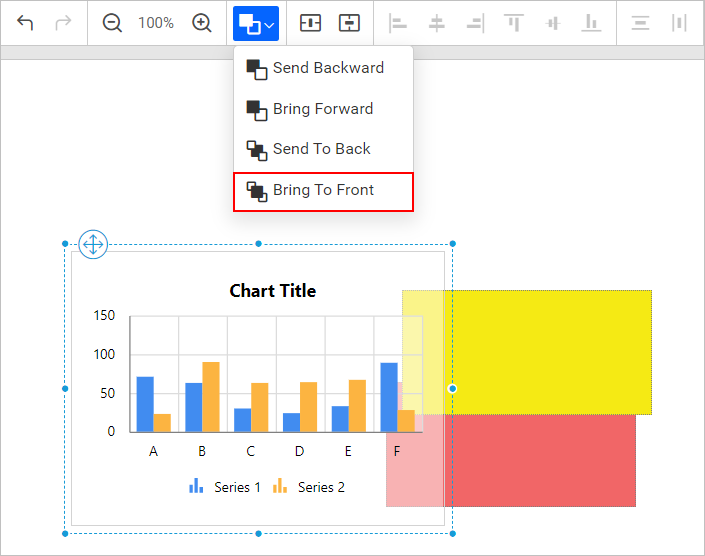
Bring To Front
Visually move the selected object over all other intersected objects in the designer surface