Report item selection
Report item selection plays major role in positioning and formatting report items in the design surface. Different ways to select report items in design surface are explained below.
Using mouse action
Mouse hover on the report item which you want select.
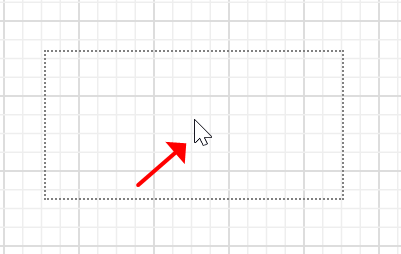
Then tap on the left or right mouse button. Now, the selection will be applied to the specific report item.

To select multiple report items in the design surface,
Hold mouse button and draw a bounding rectangle around the required item.
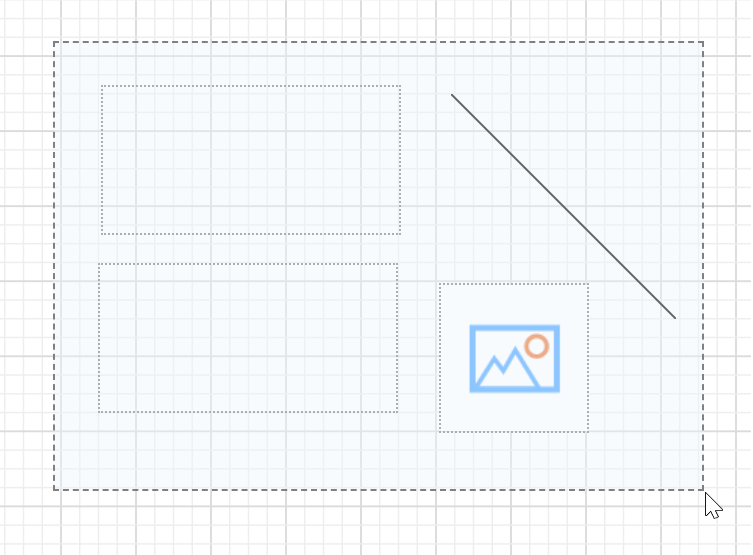
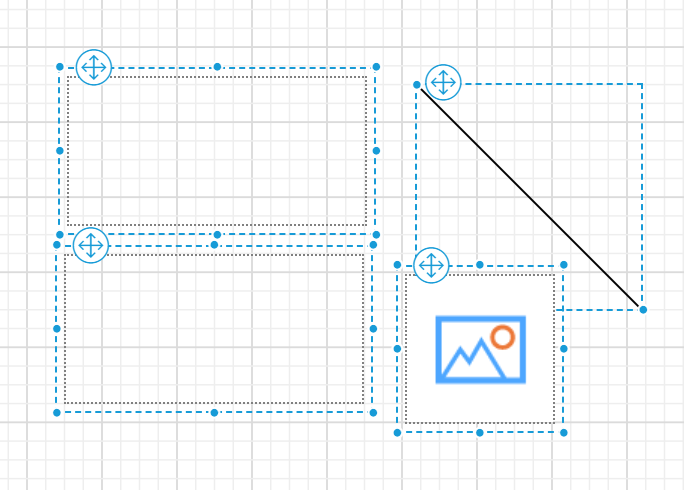
Then release the mouse button, now the selection will be applied on those report items in the designer surface.
Using keyboard shortcuts
-
To select all report items in the design surface, hold
Ctrland pressAkey. -
To navigate selection between report items in design surface, use
Shift + TaborTabkeys. -
To remove selection from report items, press
Esckey.