How do I use CData connectors in Cloud Reporting?
You can connect the Bold Reports® Cloud Web Report Designer to a CDATA data source and use its data in reports.
How to create a CData data source
In the Web Report Designer, you add a CData data source from the DATA configuration panel by clicking NEW DATA and selecting CDATA.
- Click the Data icon in the configuration panel.
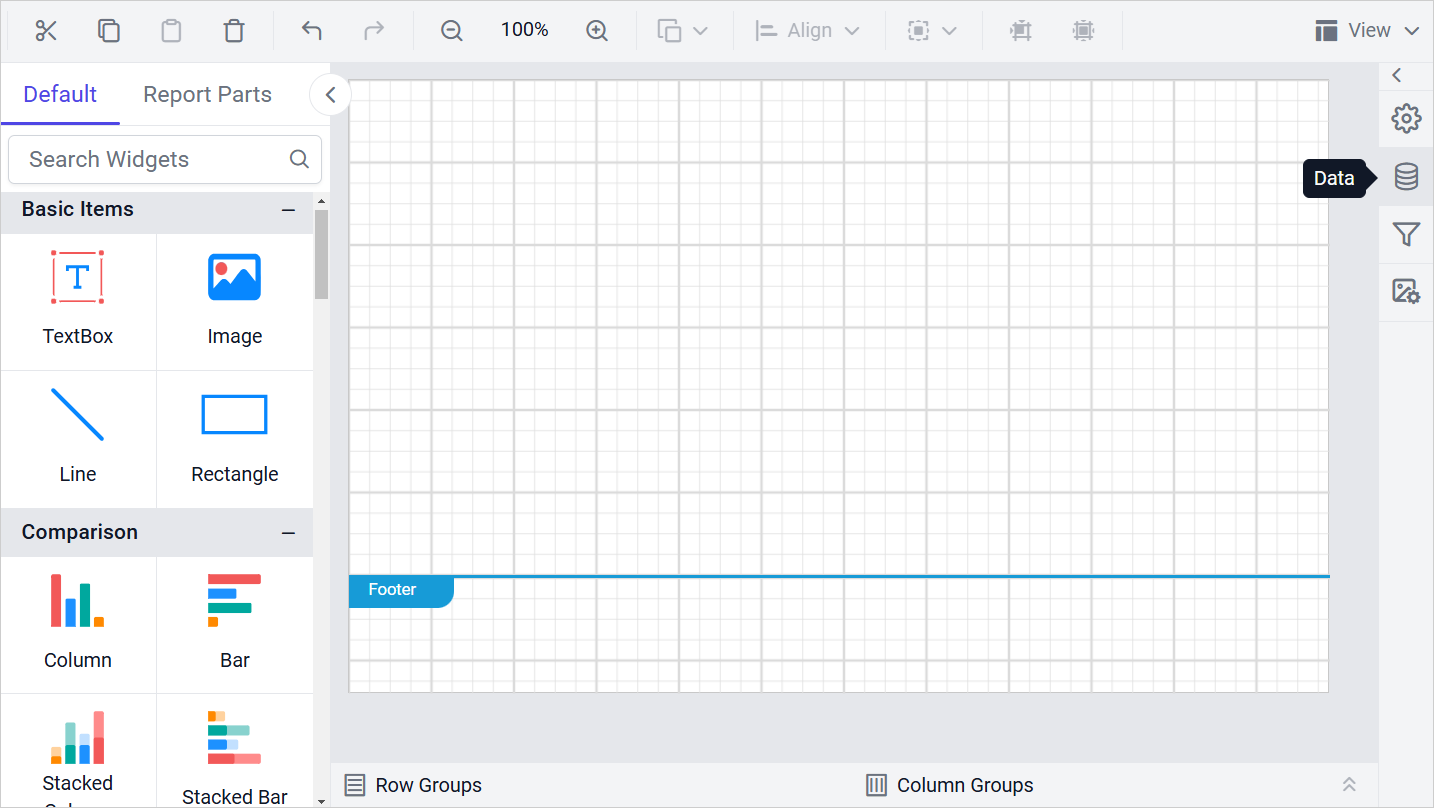
- In the DATA configuration panel, click NEW DATA.
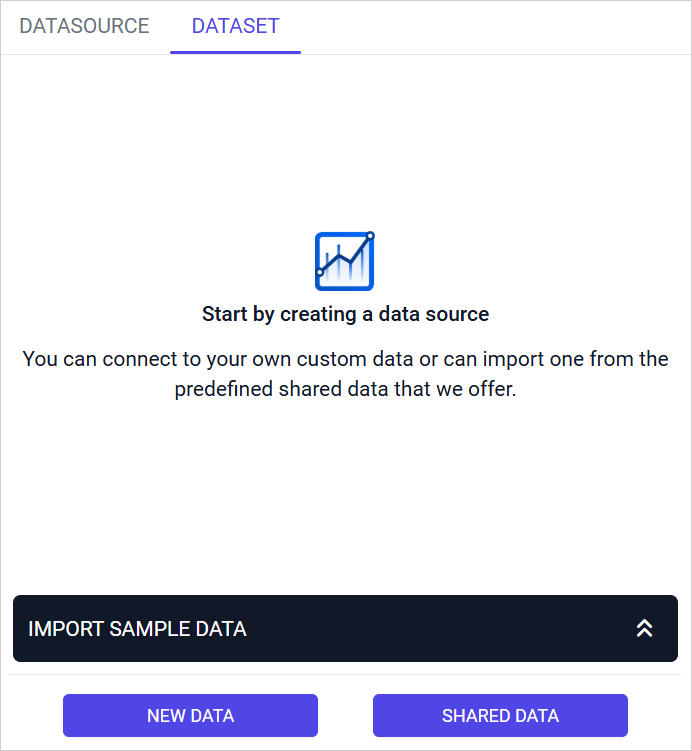
- In the connection type panel, select CDATA.

Create CDATA data source with basic options
When you create a new data source, the NEW DATASOURCE panel opens with the basic options.
- Specify the data source name without special characters in the Name field.
- Enter a valid CDATA server or host name in the Server Name field.
- Enter a valid CDATA username in the UserName text box.
- Enter a valid CDATA password in the Password text box.
- In the database drop-down, select the database on the CData server that you want to query.

Click Connect to open the query design pane. Enter your query and execute it to preview the values in a grid.

Click Finish to save the data source, and then continue designing the report.

Frequently asked questions
What details do I need to connect to a CData data source?
You need a name for the data source, the CData server or host name, a username and password, and the database to query. Enter them in the NEW DATASOURCE panel.
How do I preview CData data before I save the data source?
Click Connect, enter your query in the query design pane, and execute it. The values appear in a grid. Click Finish to save the data source.
Why can’t Cloud Reporting reach my CData server?
Connections to your server come from fixed IP addresses. If your CData server is behind a firewall, allow inbound connections from those addresses. See Whitelist IP addresses.
Why is CData missing from the connection type panel?
An administrator may have disabled the CData connector. Only the connectors enabled on the Settings page of the Report Server appear when you create a data source. See Connectors settings.