Chart report item in Bold Reports® Web Report Designer
The chart report item in the Bold Reports® Web Report Designer summarizes data in a visual format. Charts present data as bars, areas, lines, and many other forms. Choose the chart type that fits your data, because the type determines how well readers can interpret the data in chart form.
How do I add a chart to the report?
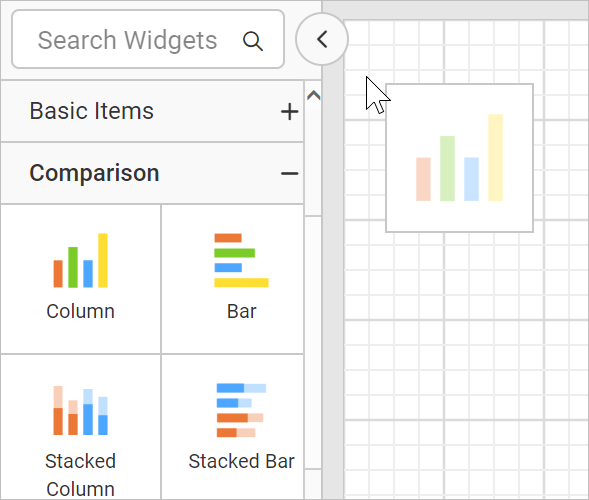
To add a Chart data region to a report in the Bold Reports® Web Report Designer, drag and drop the chart type of your choice from the item panel into the design area.
The chart item renders in the design area, and the properties panel lists the chart properties.
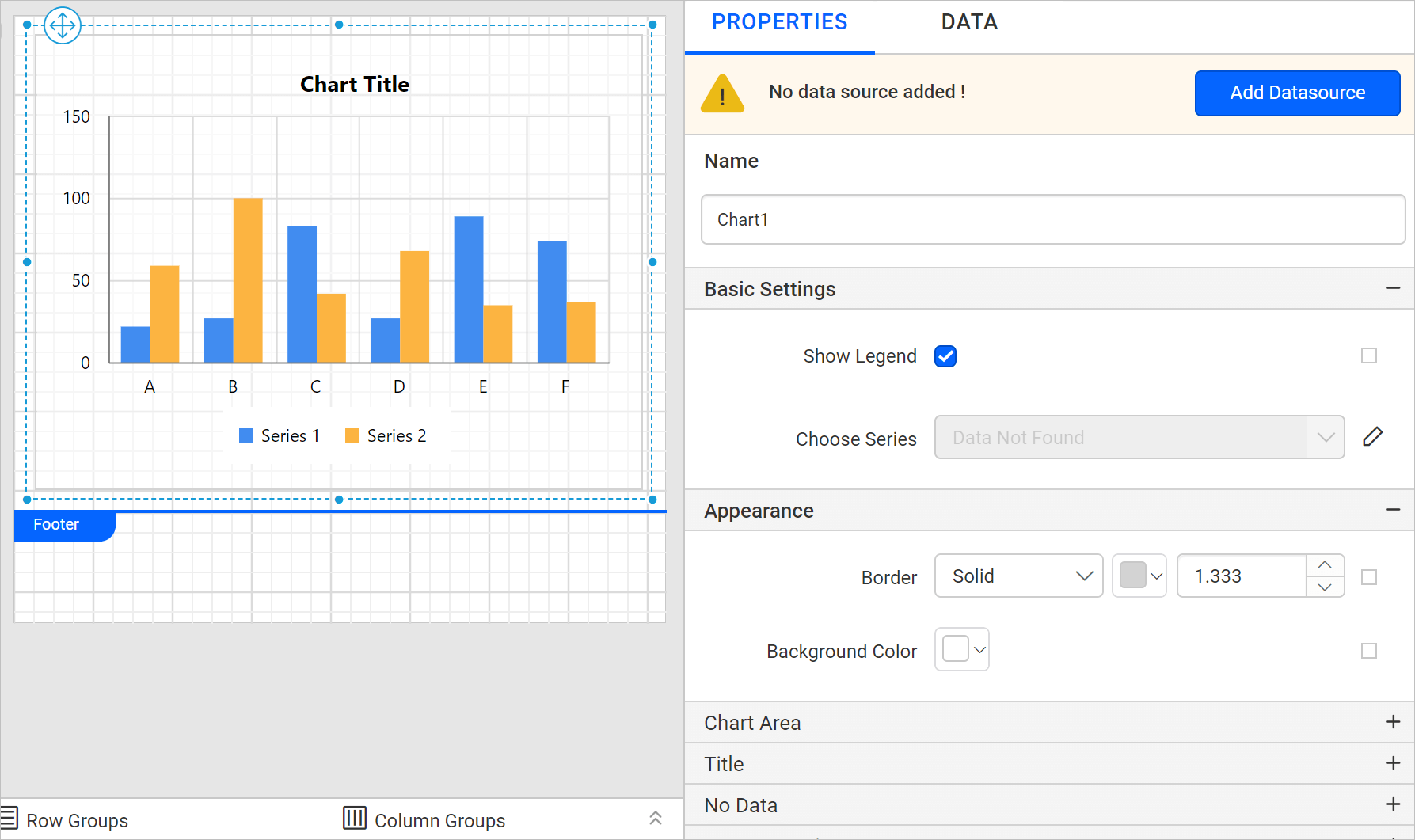
Configure data and format the chart to visualize the data.
This example uses the Column chart type for demonstration.
What are the parts of a chart?
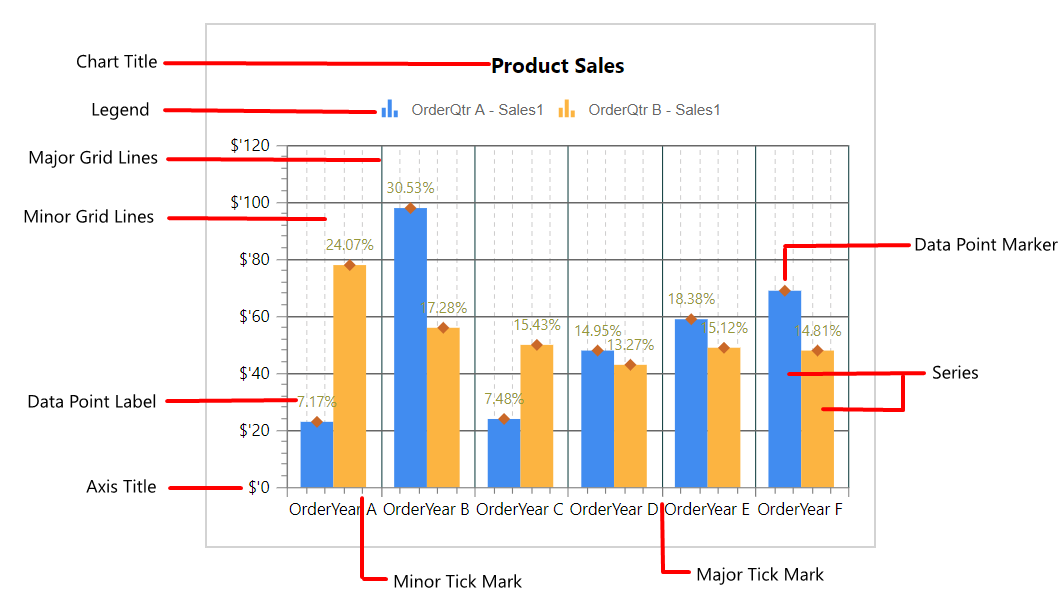
A Bold Reports® chart is made up of several elements. The following image shows the different elements used in the chart.