Presto
Presto is an open-source distributed SQL query engine designed for fast analytics on large-scale data. It allows users to query data directly from multiple data sources without moving the data into a separate database.
Connection Properties
In a YAML file, the config section contains the following properties:
connectorname: Presto
connection_type: Presto/Trino
auth_type: none/authentication
host: Hostname or IP address of the Presto server
port: Presto server port
username: Username
password: Password
catalog: Catalog name in Presto
http_scheme: HTTP or HTTPS connection protocol
Connect to Presto Without Authentication
Example Configuration
version: 1.0.1
plugins:
  extractors:
    - name: Presto
      connectorname: Presto
      schemaname: public
      config:
        auth_type: none
        host: presto_servername
        port: 8080
        catalog: postgres
        http_scheme: http/https
      properties:
      metadata:
      select:
        - Employees
Connect to Presto With Authentication
Example Configuration
version: 1.0.1
plugins:
  extractors:
    - name: Presto
      connectorname: Presto
      schemaname: public
      config:
        auth_type: authentication
        host: presto_servername
        port: 8080
        username: presto_username
        password: presto_password
        catalog: postgres
        http_scheme: http/https
      properties:
      metadata:
      select:
        - Employees
Configure the Bold Data Hub to connect Presto
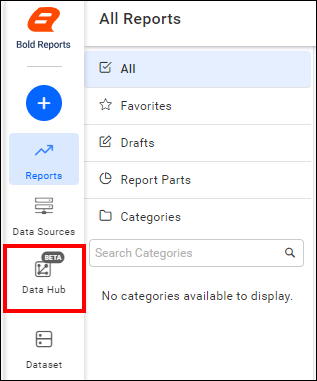
- Click the
Data Hubicon on the Navigation Pane.
- Click
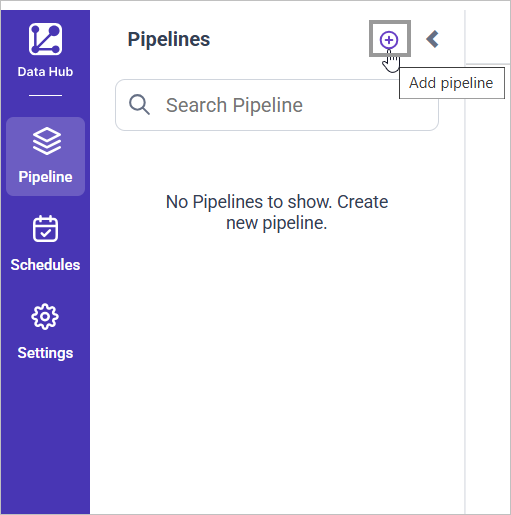
Add Projectand provide the new project’s name.
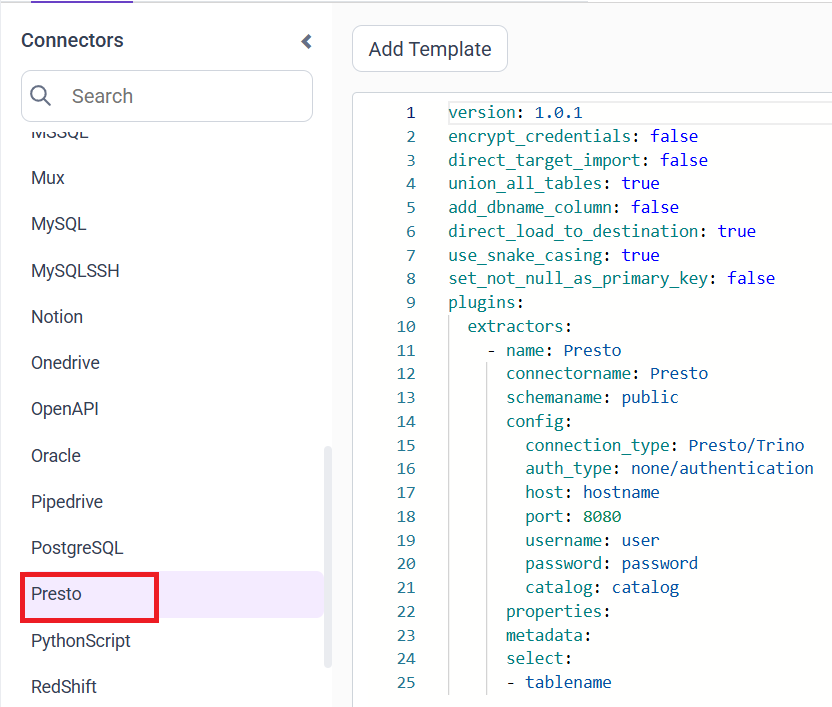
- Select the newly created project and add the
Prestotemplate.
Configuration Parameters
| Parameters | Description |
|---|---|
| Auth Type: | Choose none for unauthenticated connections and authentication for secured Presto clusters. |
| Host: | Specify the hostname of the Presto server. |
| Port: | Specify the port number of the Presto server (default is 8080). |
| Username: | Provide the username to authenticate with the Presto server (required when auth type is authentication) |
| Password: | Provide the password to authenticate with the Presto server (required when auth type is authentication) |
| Catalog: | Specify the catalog configured on the Presto server that defines the data source used for querying. Examples: hive and postgres |
| HTTP Scheme: | Specify the communication protocol used to connect to the Presto server. Choose http for non-SSL connections or https for SSL/TLS-secured connections. |
| Schema Name: | Specify the schema within the selected Presto catalog that contains the tables to be queried. |
| Select: | Tablename(s): Specify the table name list to load tables from the Presto server. |
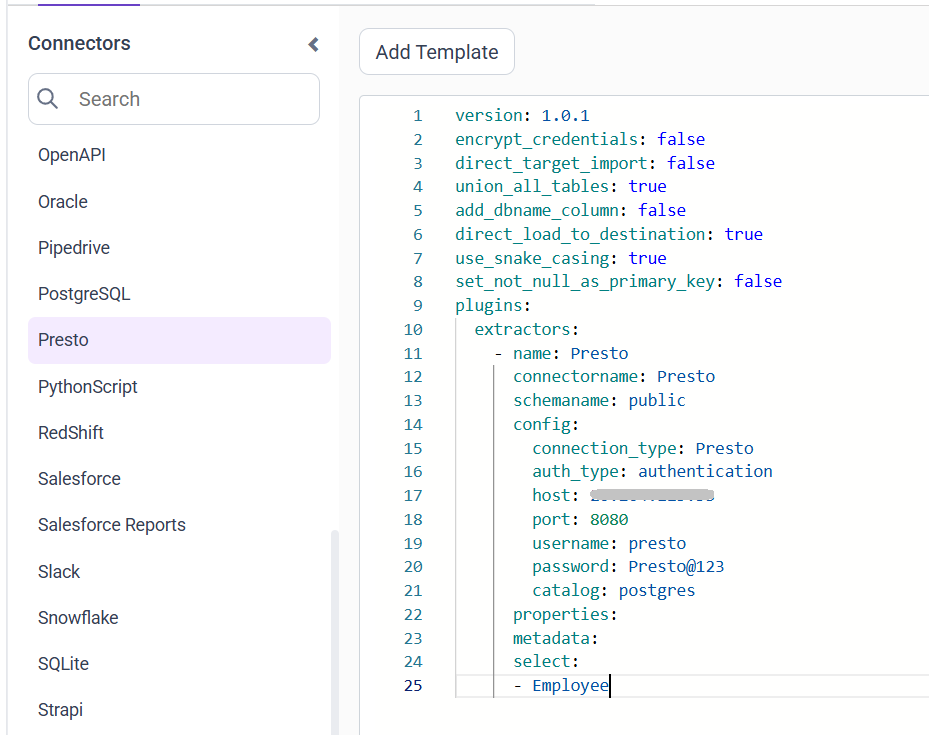
- Update the details required in the template and Click Save, choose the desired destination to save the pipeline.
- Creating a Pipeline in Bold Data Hub automatically creates a Data Source in Bold Reports®. The Bold Reports® Data Source is a live data source to the destination database used in Bold Data Hub.
Schedule Bold Data Hub Job
- To configure interval-based scheduling, click on the schedules tab and select the created pipeline and click on the schedule icon and configure it.


- For on-demand refresh, click
Run Nowbutton.
 .
.
- The Schedule history can be checked using the history option as well as logs.
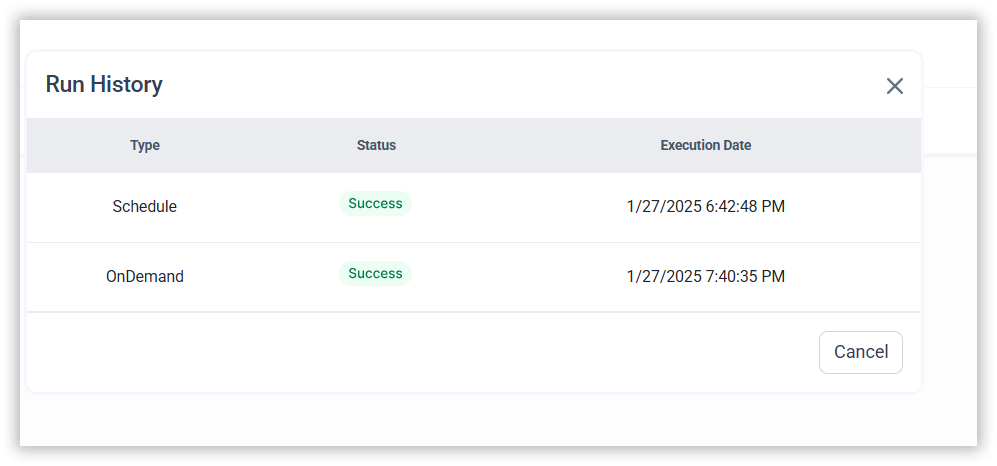
- Click on Logs to see if the run is completed and data source is created in Bold Reports®.

- Click
Edit DataSourceOption to view the created tables.