OpenAPI
OpenAPI fetch data from OpenAPI 3.x documents.
OpenAPI features supported
- All HTTP methods are supported.
- JSON and form bodies, path and query parameters are accepted.
- File uploads can be done with
multipart/form-databodies. - Supported data types include float, string, int, date, datetime,
string enums, and custom schemas or lists containing any of those. - Responses can be in html/text or application/json format containing any of the mentioned types.
- Basic or Bearer Authentication is not supported.
Connection Properties
The config section in a YAML file includes the following properties:
        ymlURL:
        ymlPath:
Example Configuration
version: 1
encrypt_credentials: false
plugins:
  extractors:
    - name: OpenAPI
      connectorname: OpenAPI
      config:
        ymlURL:
        ymlPath:
      select:
        - tablename
Configure the Bold Data Hub to connect OpenAPI
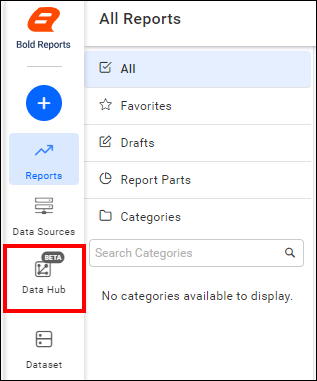
- Click the
Data Hubicon on the Navigation Pane.
- Click
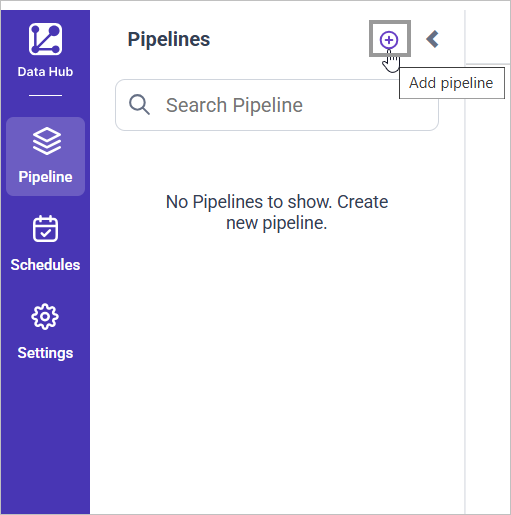
Add Pipelineand provide the new pipeline’s name.
- Select the newly created pipeline and add the
OpenAPItemplate.
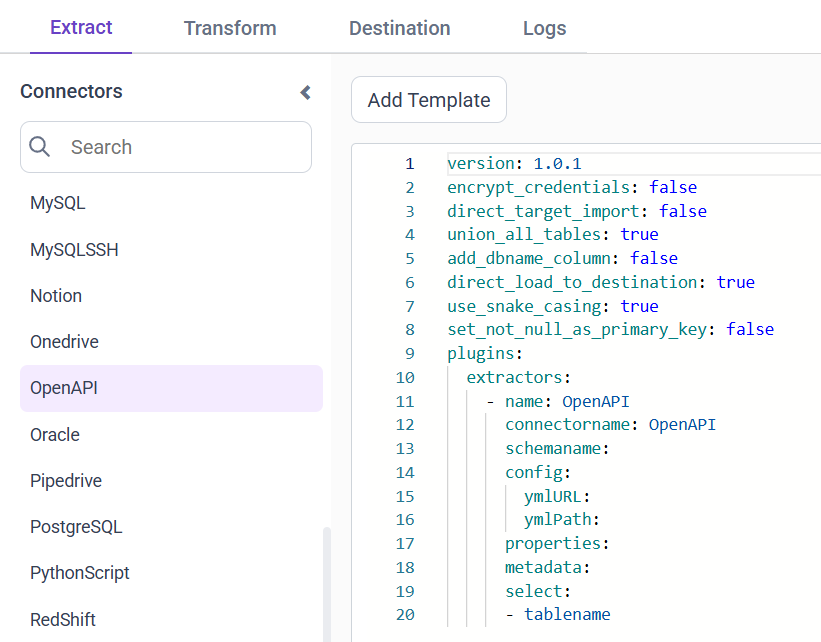
- Update the Url and Path in the template.
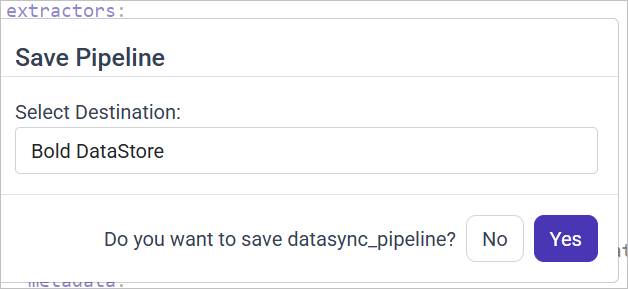
- Click Save and choose the desired destination to save the pipeline.
Schedule Data Hub Job
- To configure interval-based scheduling, click on the schedules tab and select the created pipeline and click on the schedule icon and configure it.


- For on-demand refresh, click
Run Nowbutton.

- The Schedule history can be checked using the history option as well as logs.
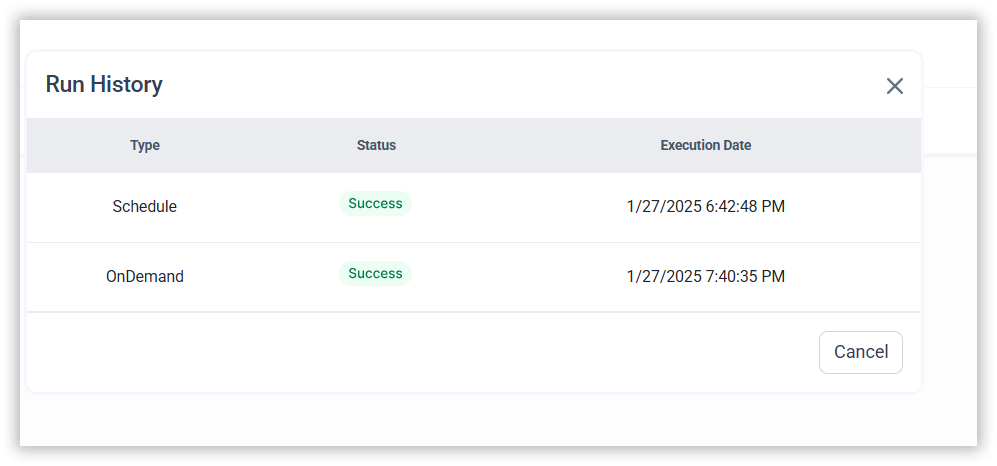
- Click on Logs to see if the run is completed and data source is created in Bold Reports®.

- Click
Edit DataSourceOption to view the created tables.