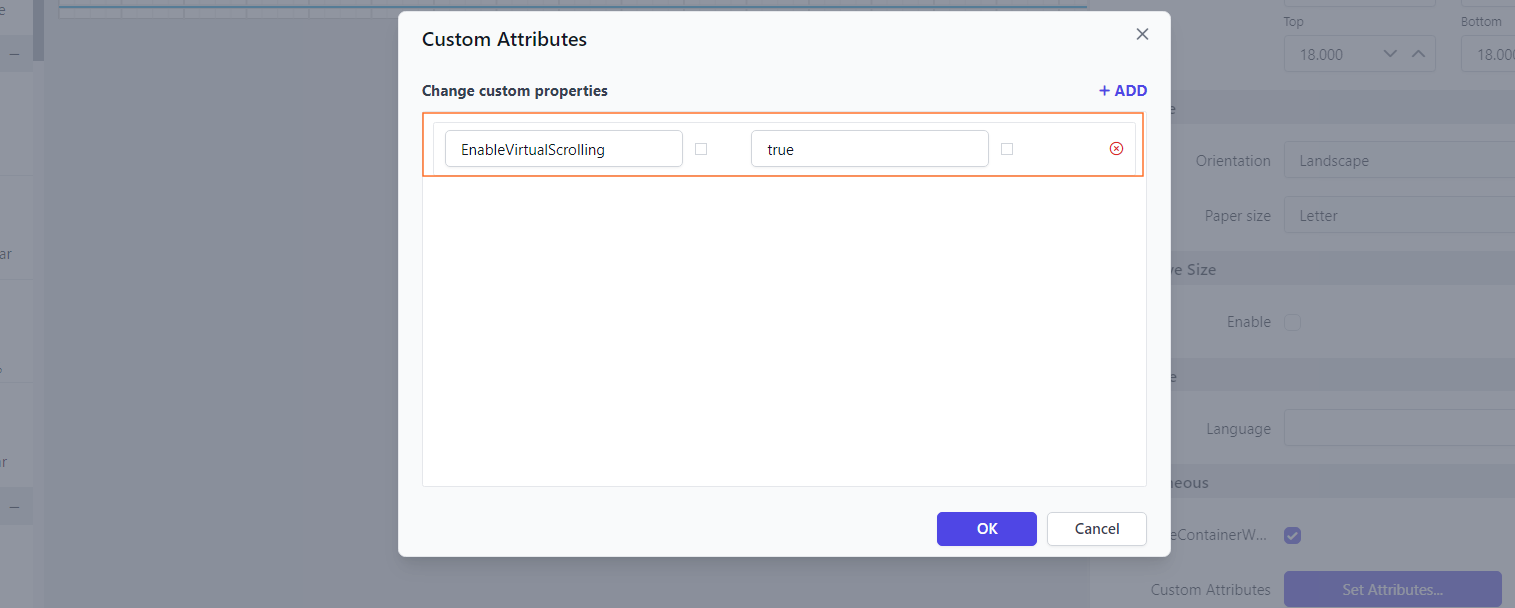
Parameter custom properties
This topic explains about the list of parameter custom properties that are supported to customize the reports preview in Report Viewer.
Show only distinct values in parameter
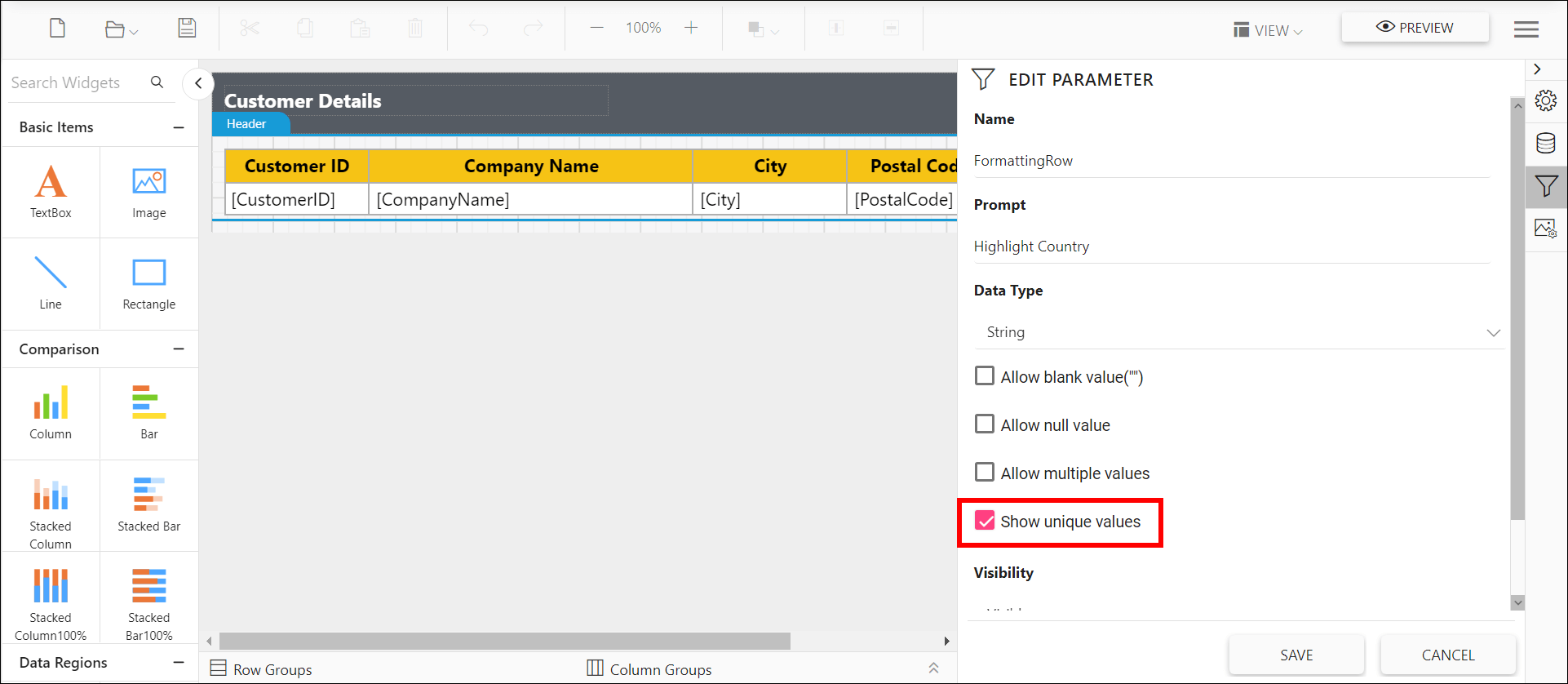
A parameter created with data set query values may contain duplicate values. The Report Viewer supports UniqueValueParameters custom property that helps show only unique values in the parameter drop-down while viewing the report, without creating new a data set. Refer to the below image for property setting option.
You can also provide the parameter names with comma (,) separator to set for multiple parameters.
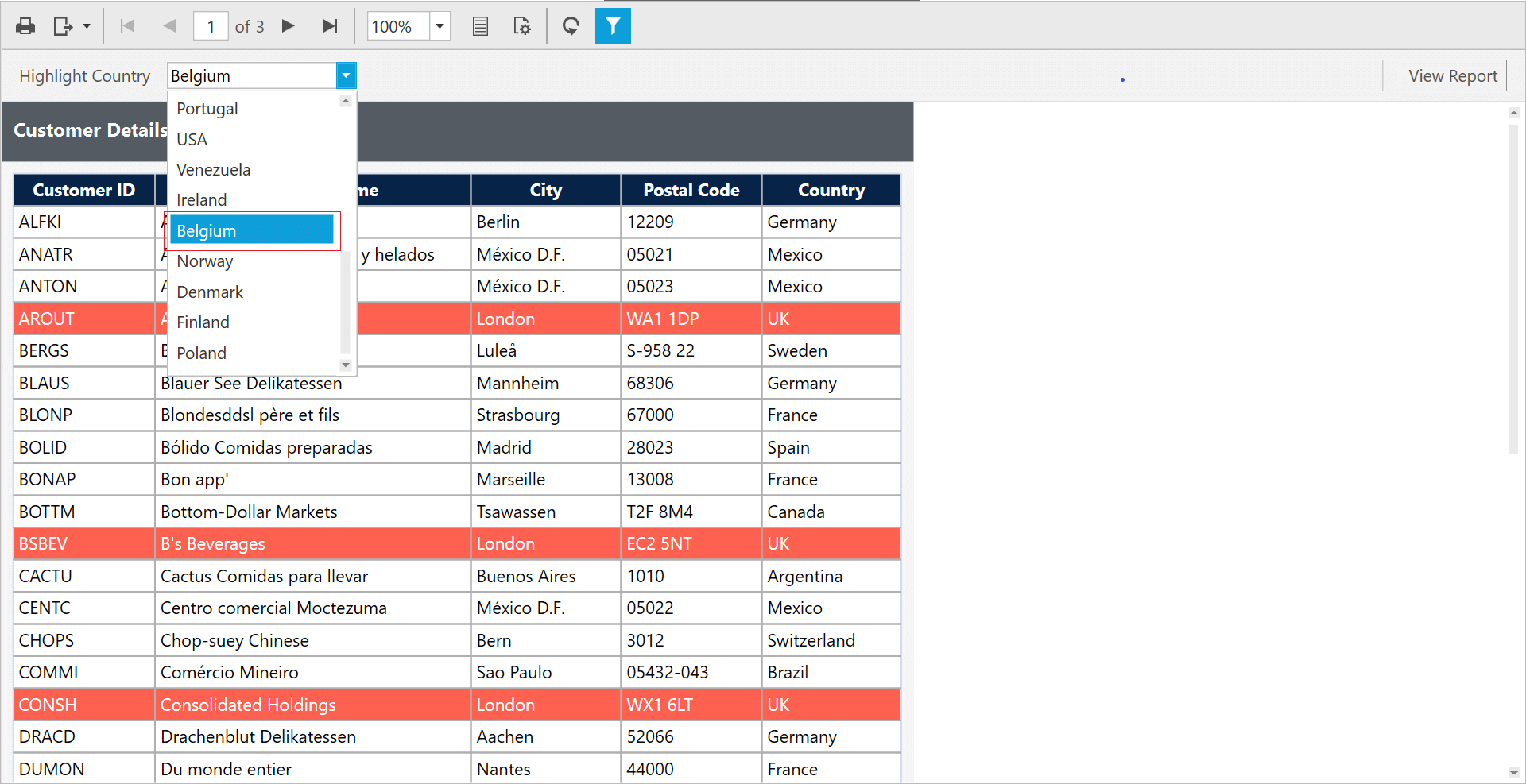
Preview the report and the unique values showed in the parameter drop down.
Virtual scrolling for dropdown list and multi-select parameters
The EnableVirtualScrolling property allows dropdown lists and multi-select parameters to load values dynamically during scrolling. This improves performance and speeds up the rendering of the parameter popup, especially for large datasets.
You can set the EnableVirtualScrolling property’s value as shown below.