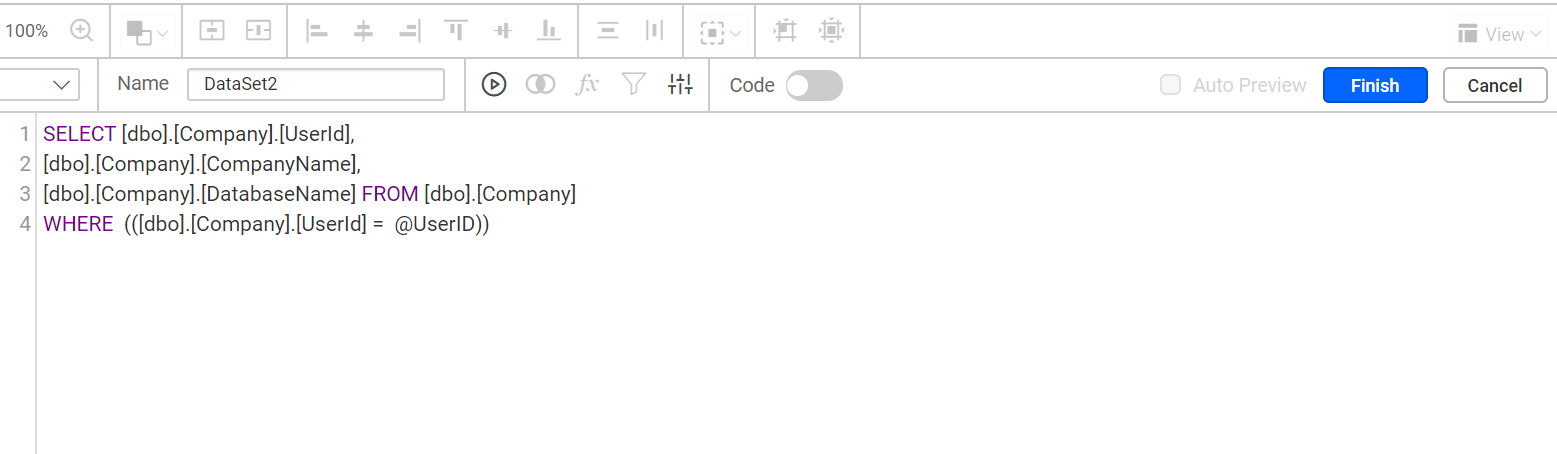
Get the user from database and pass the user as parameter for filtering the data from database
To filter report data by user in Bold Reports®, create a dataset that gets the user ID from the database, pass that ID as a parameter value, and filter a second dataset by the parameter. Follow these steps.
- Create a dataset that gets the user id from the database.

- Pass the user id field value from the dataset to the parameter available value.

- Create a new dataset that filters the data based on the parameter.