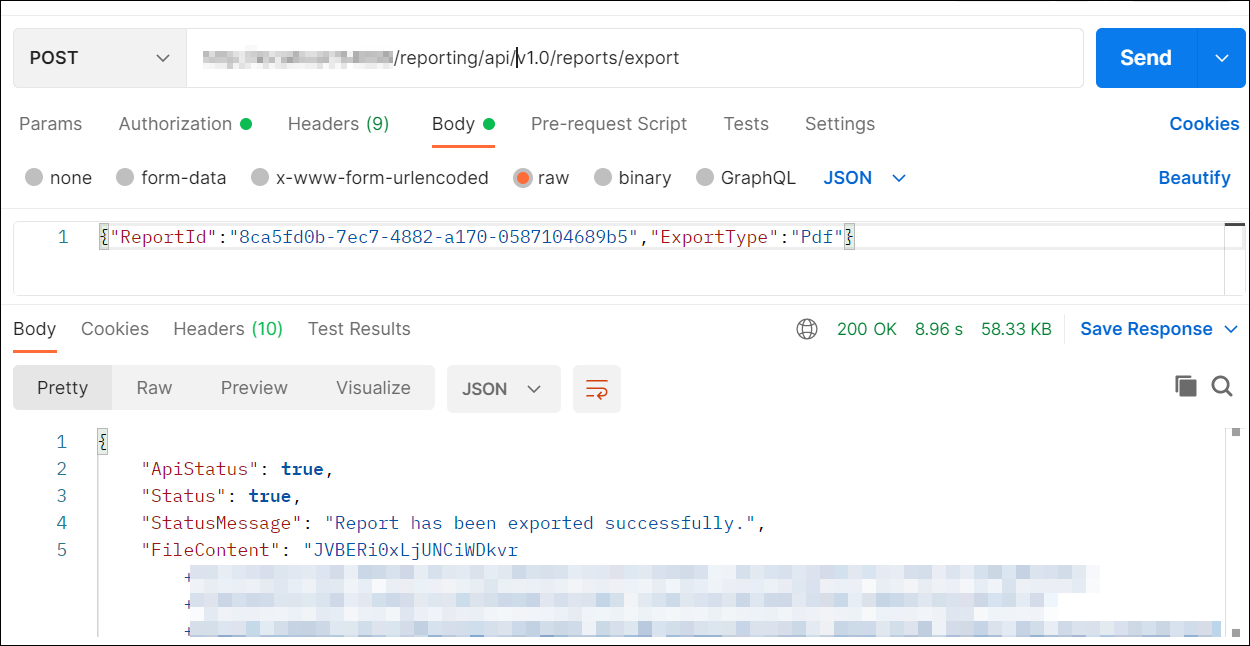
How to export the Report using API from the postman
Users with read access for reports can export the reports by providing the report details and export type (Microsoft Excel, PDF, HTML, PPT, CSV, XML or Word) in the request body. The response will be an array of bytes.
-
Open the
Postmanapplication and create a newPOSTHttp request. -
First, generate the authentication token.
-
In request URL, provide your Report Server URL and append
reporting/api/site/v1.0/reports/exportfor export report. -
In headers section, add
Authorizationas the key,beareras the value, and include the generated token.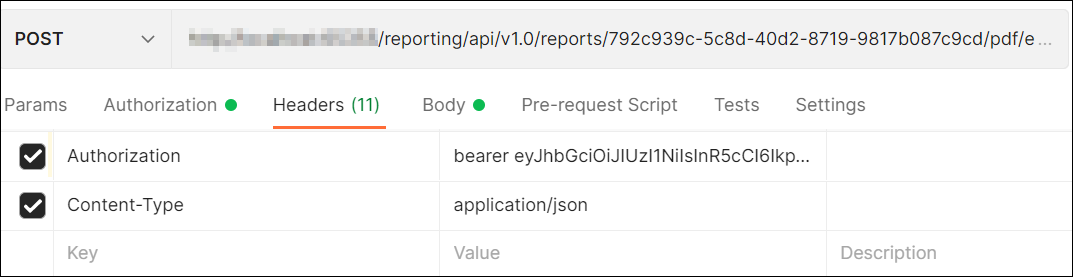
-
Then, choose the
rawin body section and selectJson. -
Pass the report ID and export type values in JSON.
-
Click
Send. The response will be an array of bytes.