How to create the cover page report in Bold Reports®
You can create the cover page for your report using a rectangle with a page break.
Prefer watching over reading? Check out this video for creating a report with a cover page:
Create the cover page using Rectangle
- Drag and drop the rectangle report item into the design area from the item panel. Create your cover page inside the rectangle item.
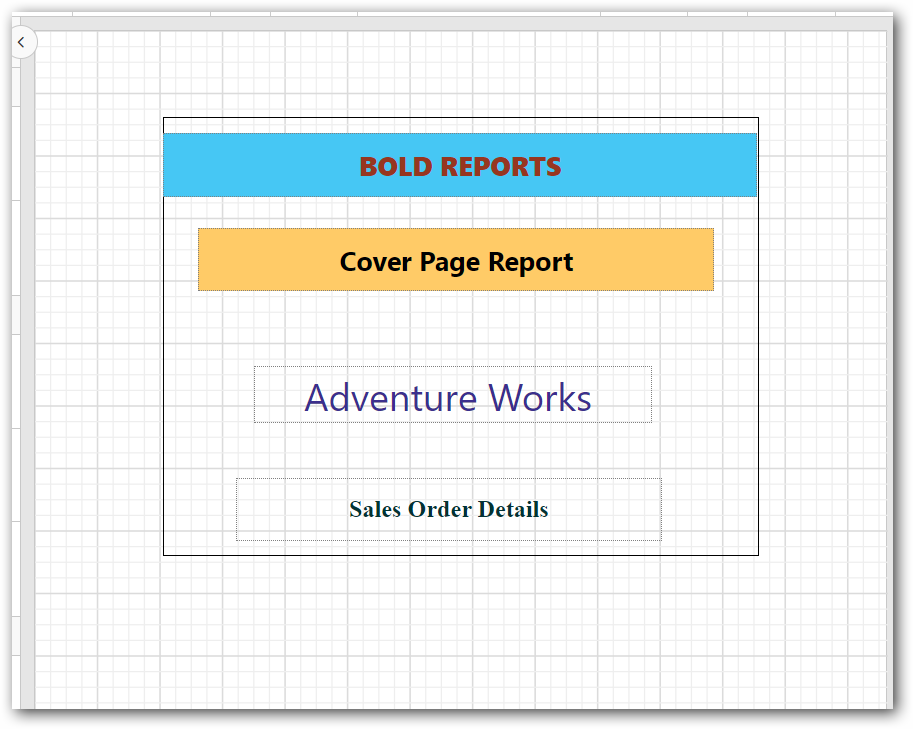
- Add a page break for the rectangle report item and enable the
Page Number Resetoption.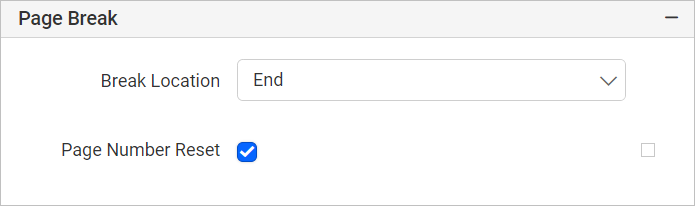
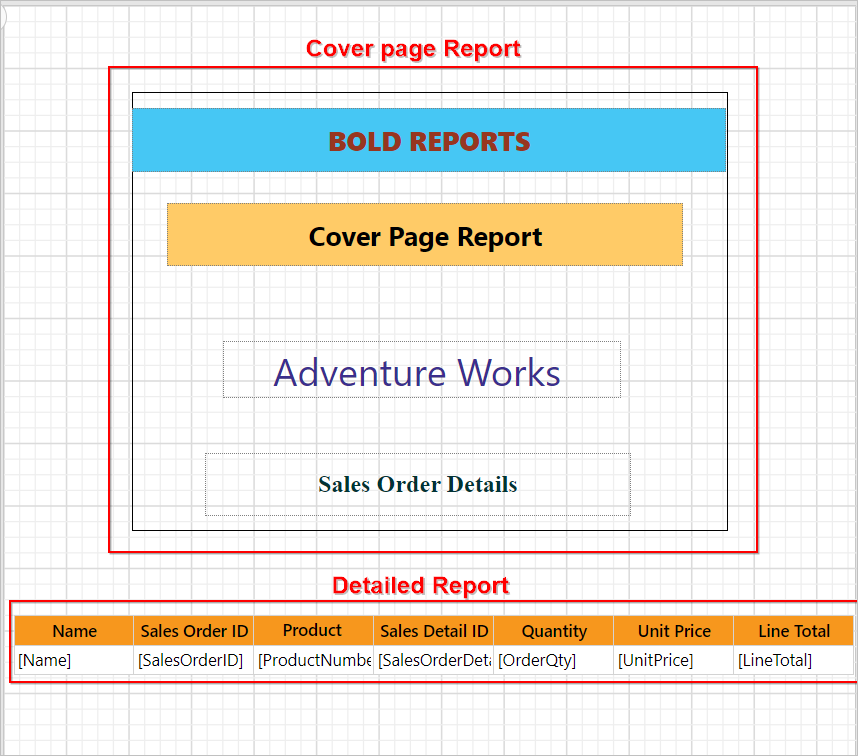
- Now, design your detailed report after the rectangle report item.
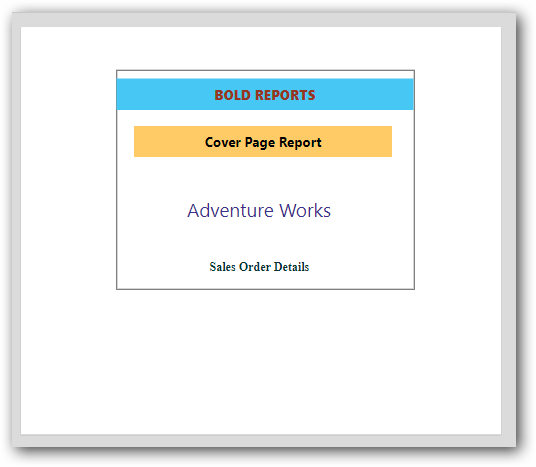
- Now, the report preview can be visualized as follows.
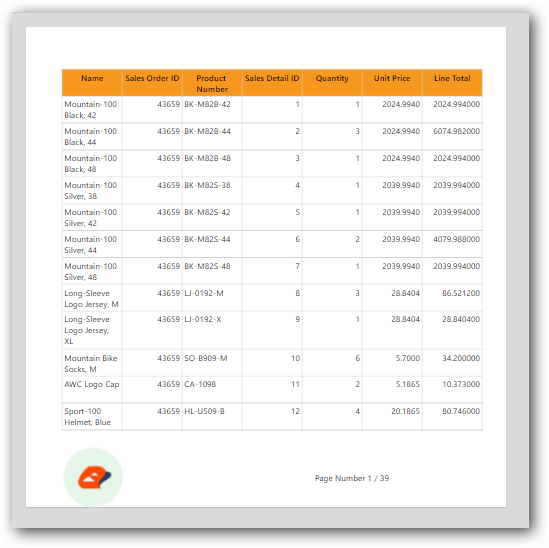
Download the above report design from the link